












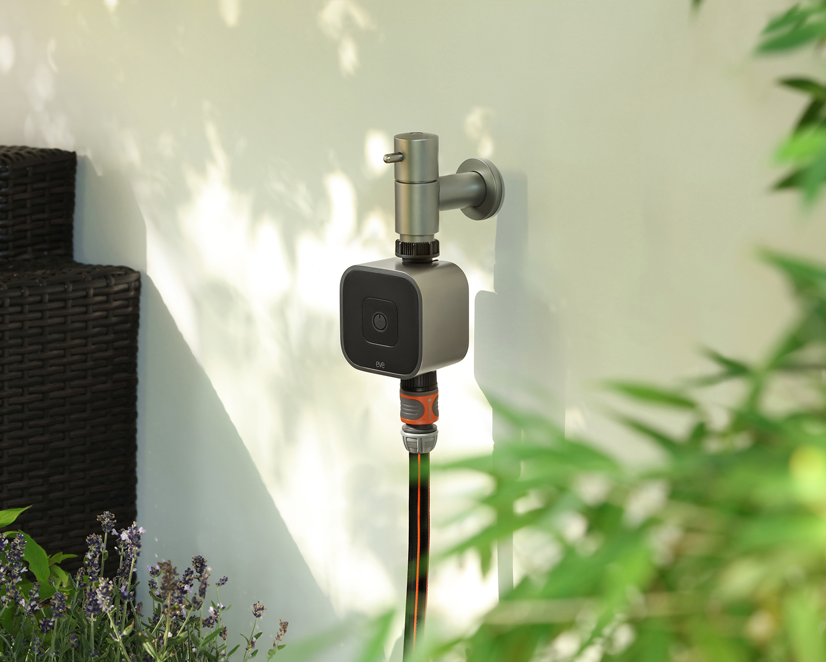
Eve Aqua is a slick piece of hardware with software that takes ease of use to the next level. This feature-packed solution is effortless to fit, and makes it a breeze to connect your irrigation system to your HomeKit home.
The smart water controller screws on securely to your outdoor faucet, and thanks to the accessory's standard G ¾" (26.5 mm) thread, you can fit regular hose pipes and other popular hose systems (for example, from Gardena or Kärcher) with ease using the supplied hose connector.
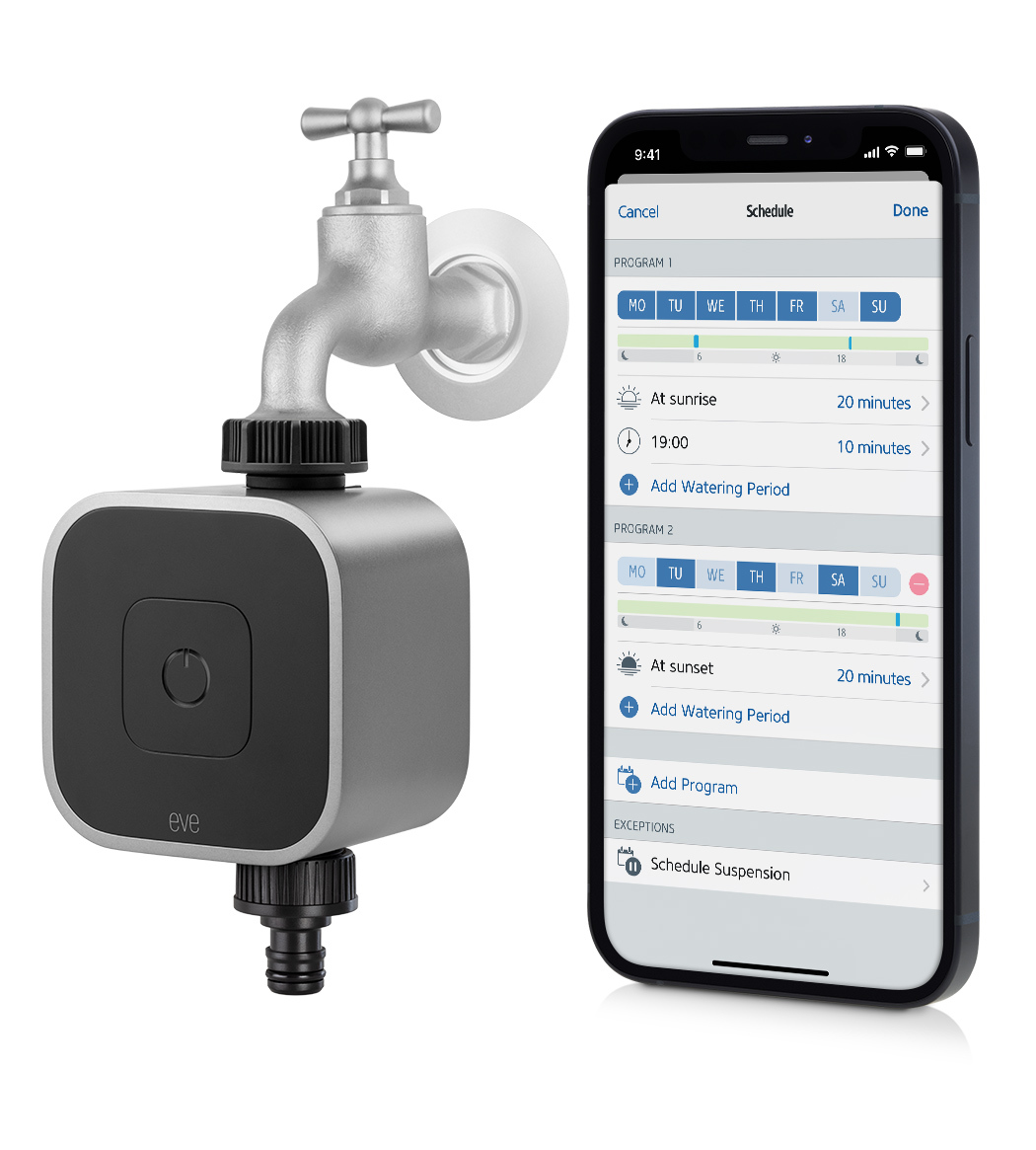
Eve Aqua has a single onboard button, which starts or stops the flow of water at a touch. Touch it once, and the valve will open. Eve Aqua will then shut off the flow of water automatically after a set duration, which you can customize in the Eve app – a really easy way to water your lawn without wasting precious water. Eve Aqua is compatible with Apple Home and sports enough memory to store sophisticated schedules. This means you can start watering using your iPhone or by asking Siri – and if you've got a home hub, you can even do so while on vacation. You can also go one step further and use the Eve app to add schedules, which are then stored on Eve Aqua – you've then got yourself a fully automated irrigation system.
The latest generation of Eve Aqua supports Bluetooth and Thread, and joins your Thread network automatically. Thread makes your smart home network more responsive, robust, and increases its reach – the only other thing you need is a compatible Home Hub (Apple TV 4K 3rd gen, 128 GB; Apple TV 4K 2nd gen; HomePod 2nd gen; HomePod mini).
Fit and get ready for use
You can fit Eve Aqua to virtually any regular outdoor faucet. Just ensure you screw the accessory all the way onto the faucet using your fingers and that it is fitted securely to prevent leaks.
To insert or replace the batteries, pull the control unit forward to remove it. Be especially careful not to apply any leverage to the faucet connectors, particularly when the unit is installed; to do this, hold the valve unit firmly with your other hand. The battery compartment is secured with a latch. Pull on the two side tabs to release the latch and lift it upward to remove it. To close the compartment again, insert the latch into the slot, press the two tabs back into their guides, and press the latch downward until it audibly clicks into place.
At the end of the gardening season, protect Eve Aqua from frost, as you would with most non-fixed irrigation products, to prevent damage to moving parts, seals, and fixings. It's best to unscrew Eve Aqua from the faucet, give the accessory a clean, open the valve, remove the batteries and allow everything to dry out nicely before putting it away for the winter.
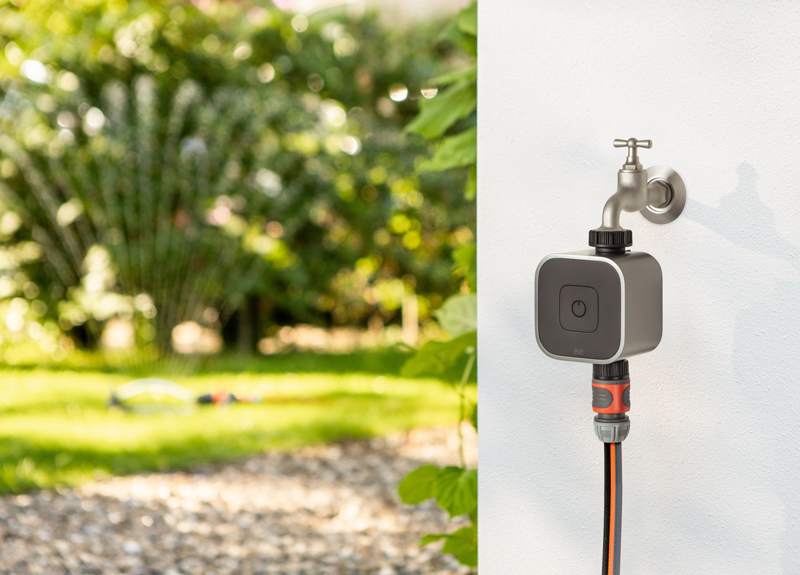
With a standard thread, hose connector and ability to withstand a wide water-pressure range (anywhere between 1 bar/14.5 psi to 5 bar/72.5 psi), Eve Aqua is perfect for use with all regular irrigation systems. You can also fit it to a twin-tap connector, among other types of multi-channel distributors. With this setup, Eve Aqua is always supplied with water – and you still have one outlet free to hook up your regular hose. The possibilities truly are endless. Keep reading for further examples, such as how you can use a Gardena multi-channel distributor or even a micro-drip system for your patio plants with Eve Aqua.
Set up Eve Aqua
To launch the setup process, open the Eve app and go to Settings > Add Accessory. Scan the HomeKit code, add a unique name and assign the accessory to a room – before you’ve even had time to say "how did I ever manage before Eve Aqua?", the setup process will be complete. Since you'll have already assigned Eve Aqua to a room, browse for the accessory in the "Rooms" view and tap on the name you gave Eve Aqua. The detail view of Eve Aqua brings all the key control elements together in one single command center for you:

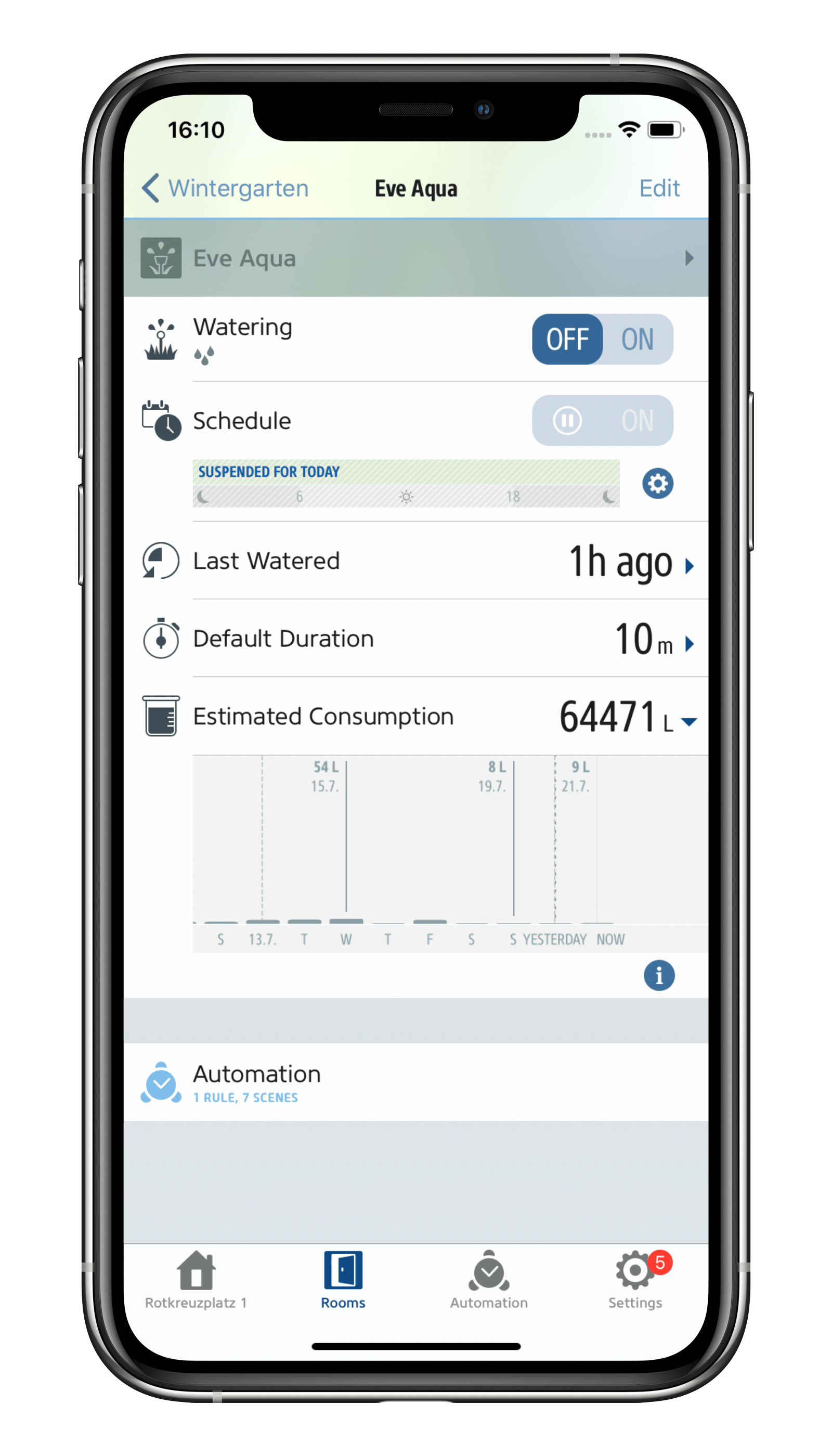
An on/off switch, schedule control and editor, irrigation history, the default duration picker for configuring how long you want the valve to remain open, estimated consumption and automation overview.
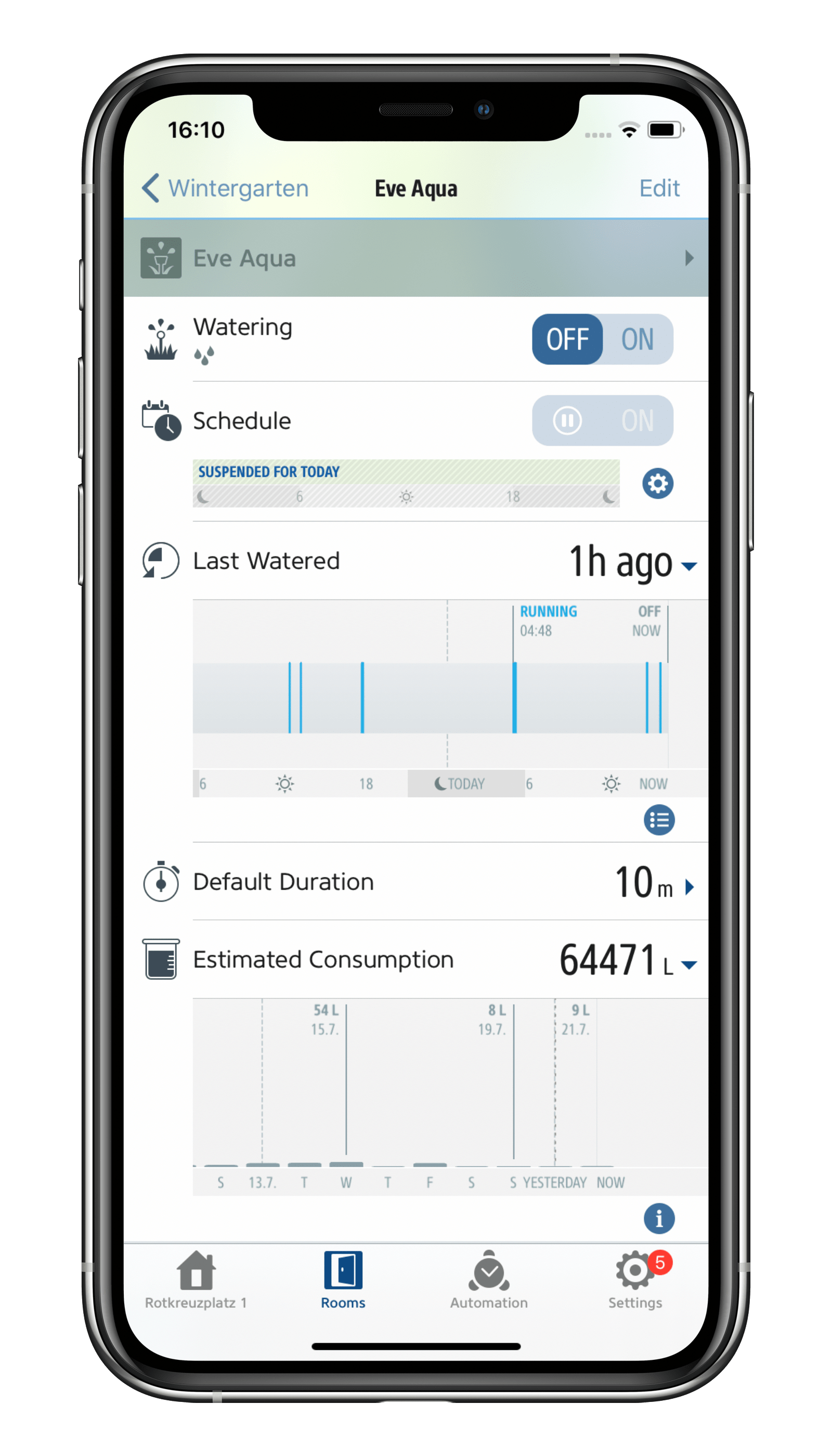
Tap the on/off switch and the valve will open for the length of time set under Default Duration. Expand the Last Watered field and you'll see a timeline. It shows you when the valve was last opened, along with a handy export option that you can access by tapping the list icon.
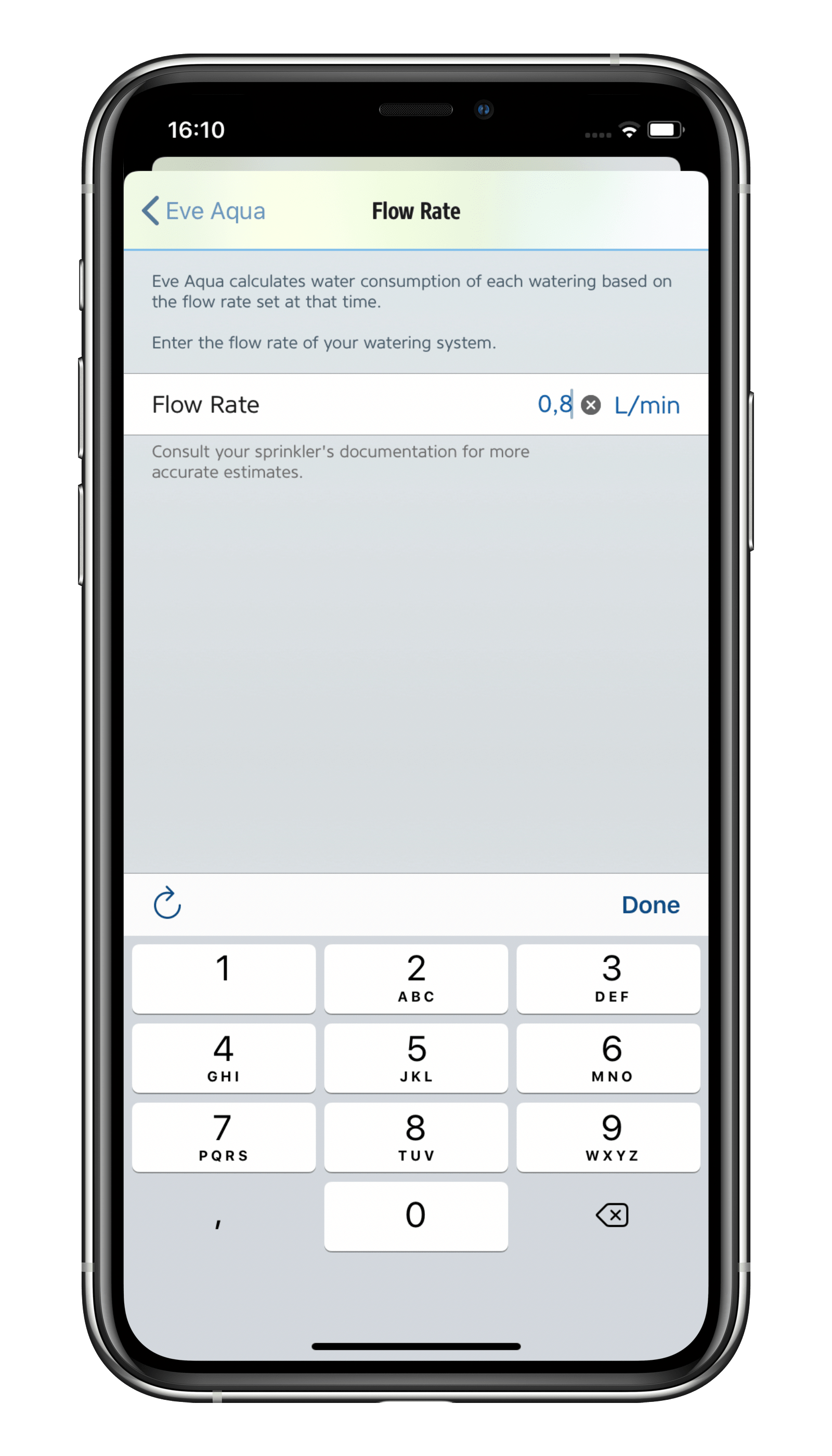
The Estimated Consumption field also includes supplementary historical data. This shows you how much water you've been consuming each day. While not a precise measurement, it provides you with a good estimate based on the value you've set in the Eve app under Settings > Accessories > [Eve Aqua] > Flow Rate.
Default Duration and Schedules
Eve Aqua is listed under the ""Sprinkler"" section. This means that the Home app offers a large virtual switch that allows you to choose between "Running" and "Off" and select the default runtime in the settings. The duration you select determines how long the sprinkler runs for when you press the button on Eve Aqua, tap the button in the app to set it to "Running" or ask Siri to start watering. You can also set this value using the Eve app or even by asking Siri, such as by saying "Turn on the sprinkler for 10 minutes".
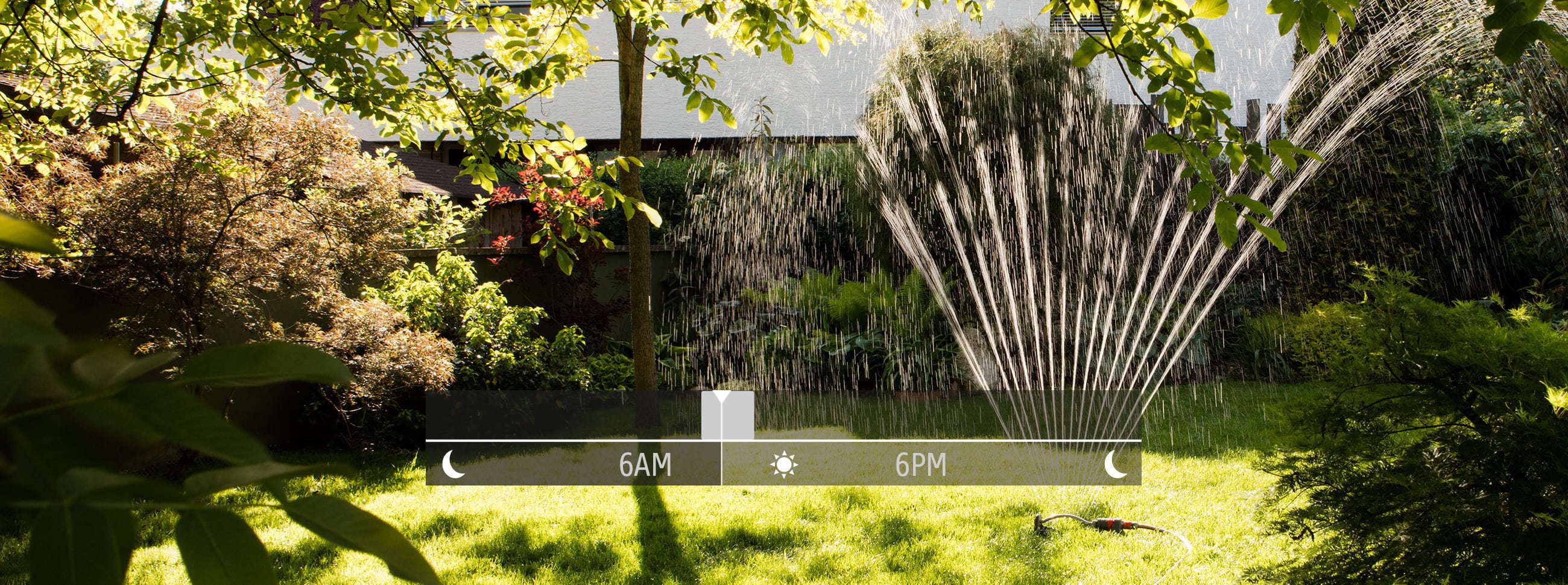
Automations take practicality and ease of use to a whole new level as they allow Eve Aqua to operate autonomously with no manual intervention required on your part and no need for your iPhone or home hub to be nearby. You simply add them in the Eve app and send them to Eve Aqua where they’re stored. This means that Eve Aqua always runs the schedule autonomously. The big advantage: Your Eve Aqua will turn on and off automatically, independently of a network or internet connection.
In addition, the watering duration is completely independent of the default watering duration, and can vary to suit.
In the detail view of Eve Aqua, tap the gear icon on the bottom right of the Schedule segment. Now add a program and then select which days of the week you want it to run. Following that, add up to seven watering times (for further details, see our blog post "Automatic multi-zone lawn and flowerbed irrigation made easy"). Here are three examples for a range of scenarios:
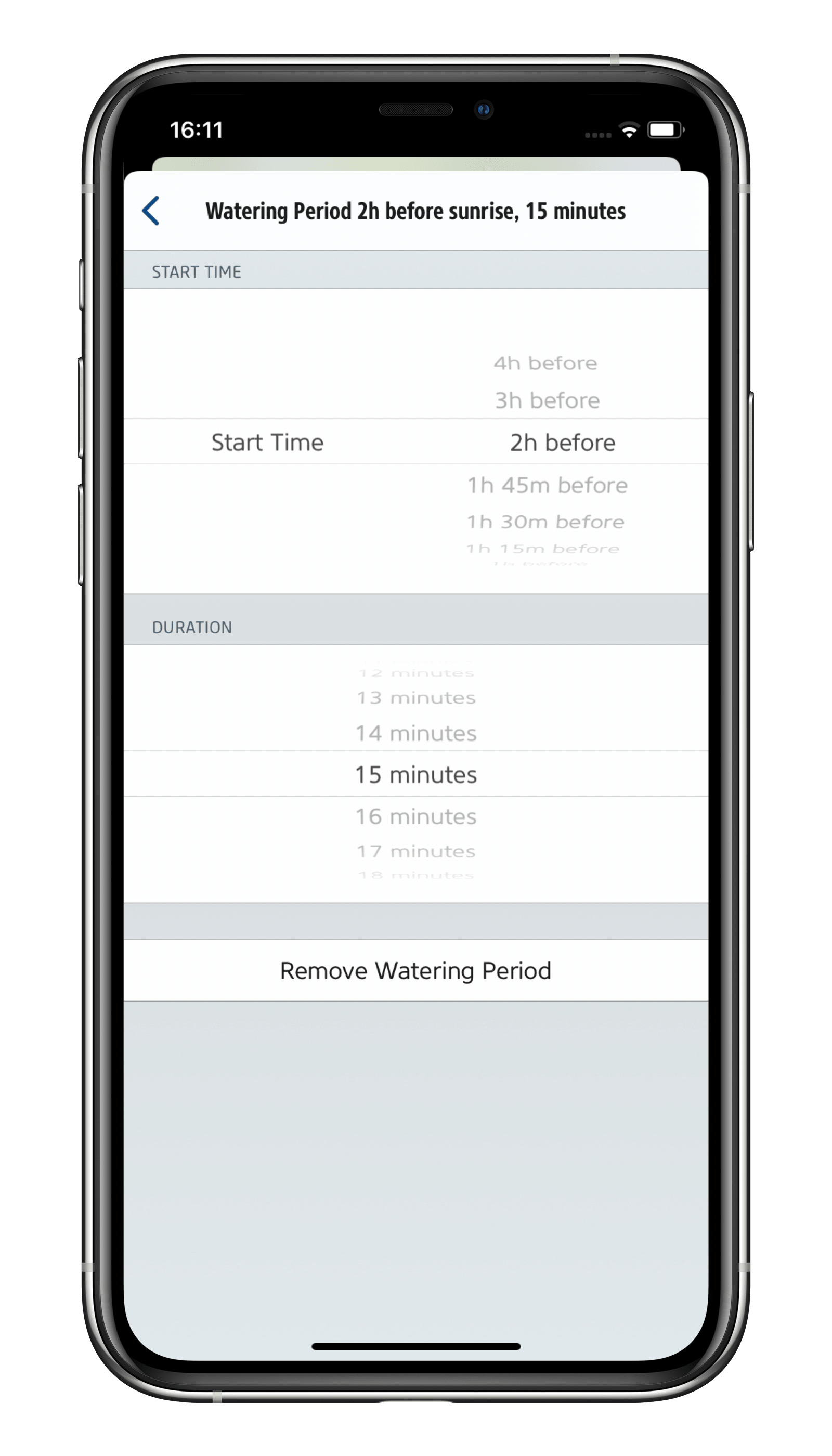
Water your balcony plants at the same time every day: The best time to water your balcony plants is in the early morning when the plants aren't in the sun yet and the soil is still cool. To do that, select every day of the week, set the watering time to two hours before sunrise and choose a suitable duration.
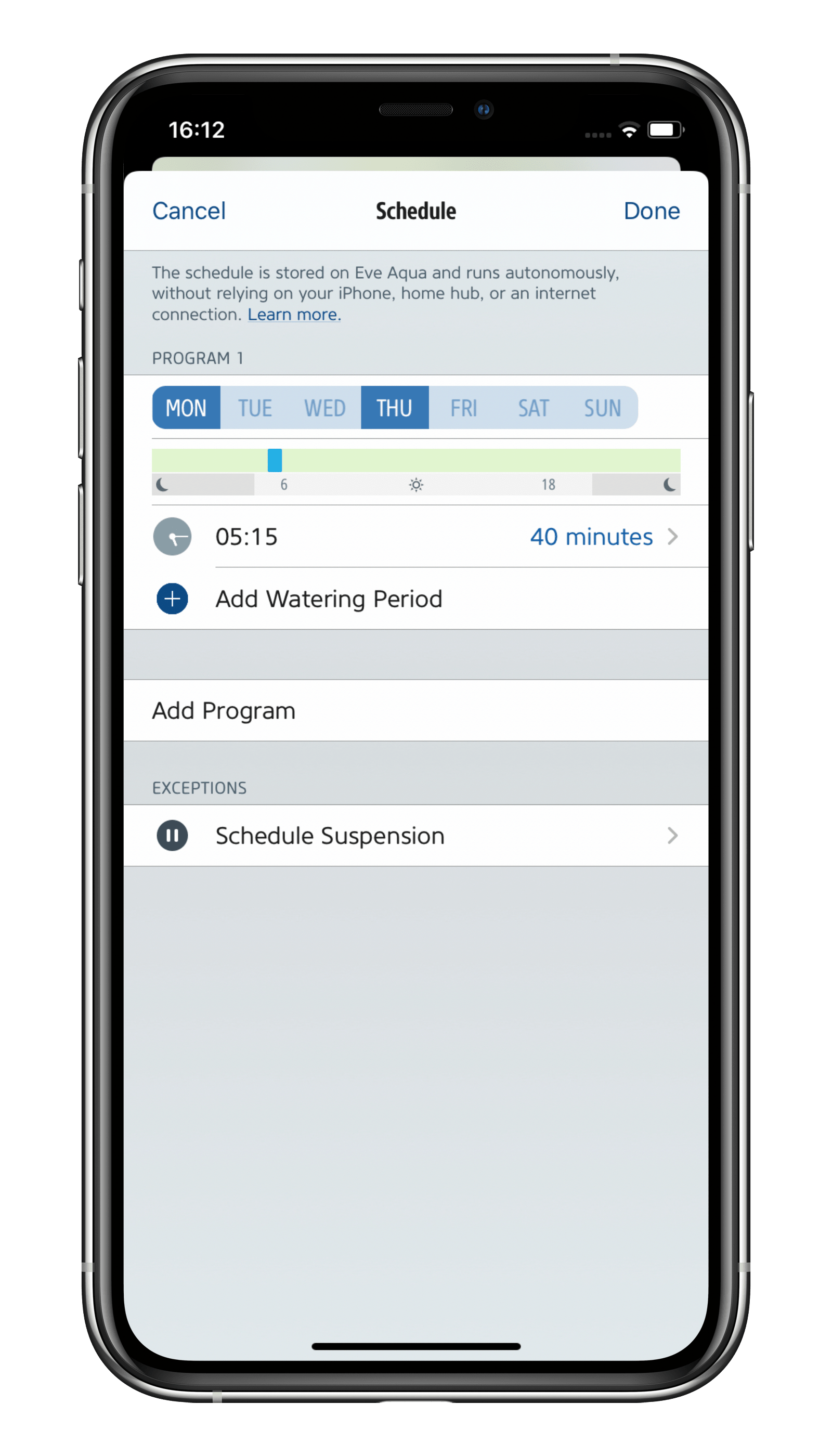
Water your lawn twice a week: Your lawn doesn't need watering every day – depending on the type of soil you have, two to three times a week is sufficient. However, when you do water your lawn, ensure the roots get a good soaking (wet the soil down to 15 cm/5"). To achieve this, be sure to set a long enough watering duration.
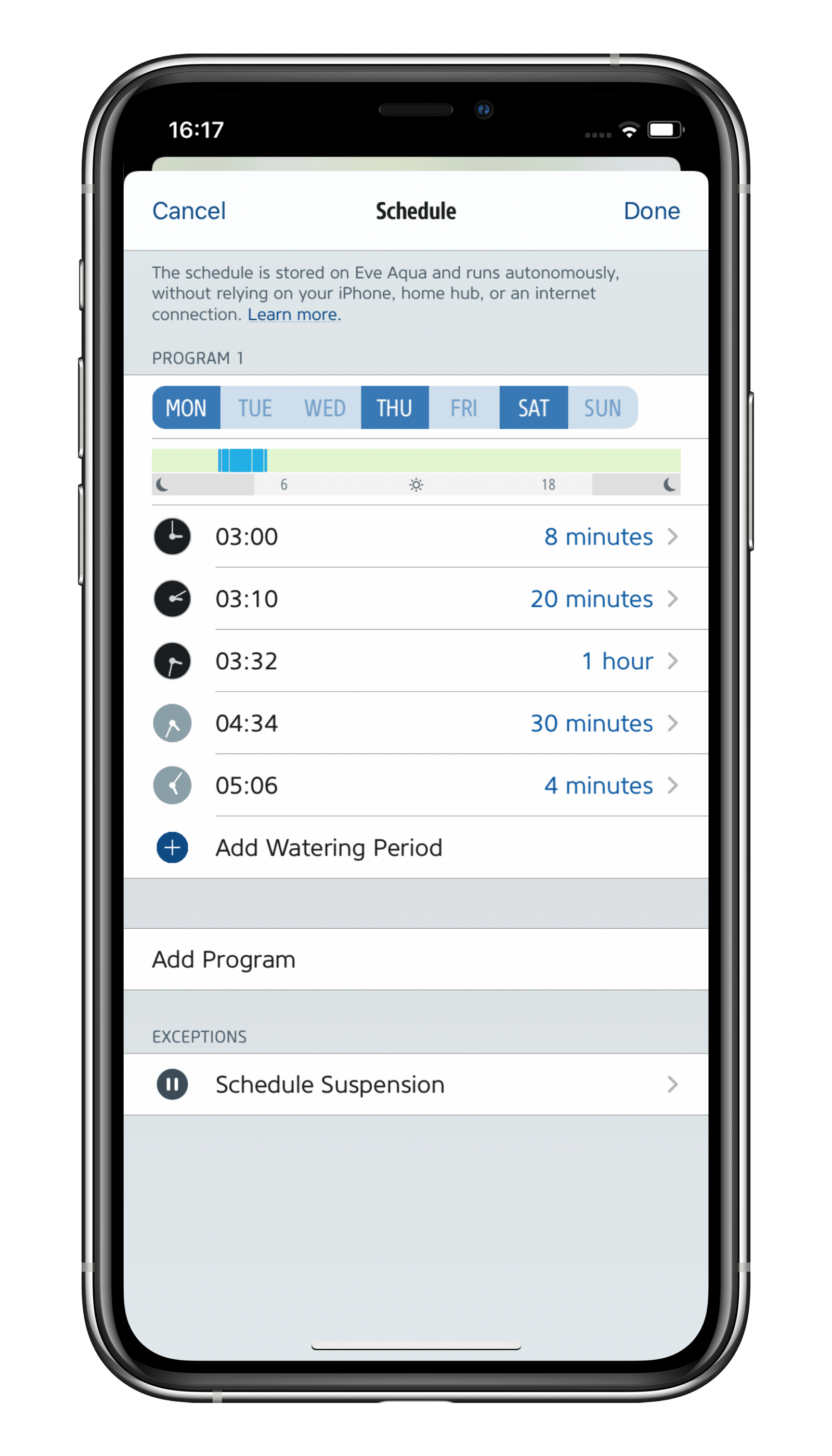
Water your flower beds and lawns: If you need to water different sections of your garden, and each has very different irrigation requirements, you need an automatic multi-channel distributor. To learn how to best control this using Eve Aqua, see our blog post "Automatic multi-zone lawn and flowerbed irrigation made easy".
Pause watering if the weather's about to turn bad
To avoid wasting water, you should pause watering if the weather is going to do the job for you. The Eve app will help you do this and save you from the hassle of having to first turn off schedules and then turn them back on again manually. To do so, in the detail view of Eve Aqua, tap the gear icon in the Schedule segment. Now tap Exceptions > Schedule Suspension and then turn on the Add to Suspension Scenes option in the following dialog. You can now respond quickly to weather changes and pause watering for the current day and/or for the next day too.

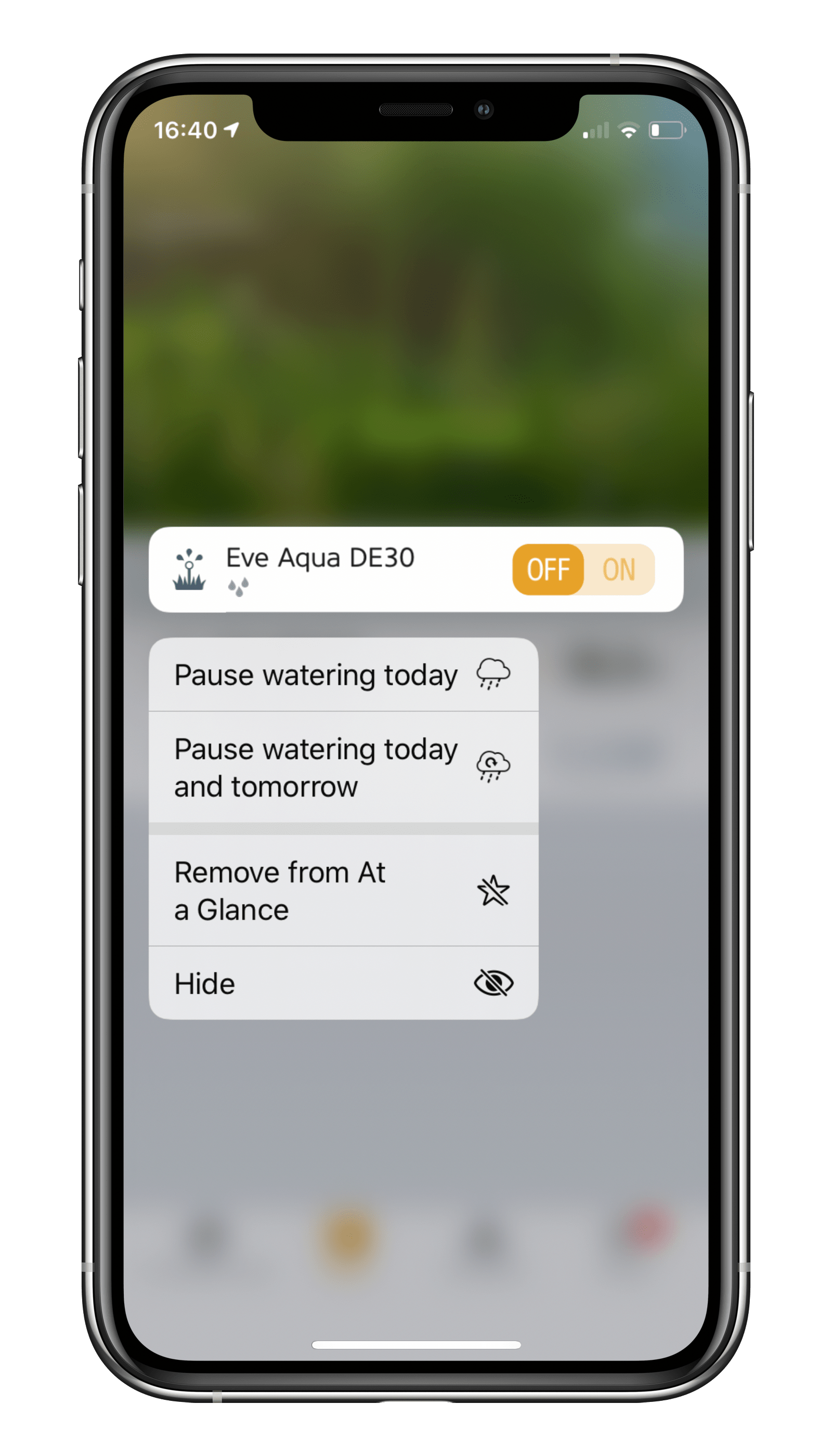
By long-pressing the Eve Aqua tile in the At a Glance view or the Eve Aqua entry in the assigned room in the Rooms view, you can access the context menu where you can pause watering for the current and/or next day. Your schedule will then run again as normal following that.
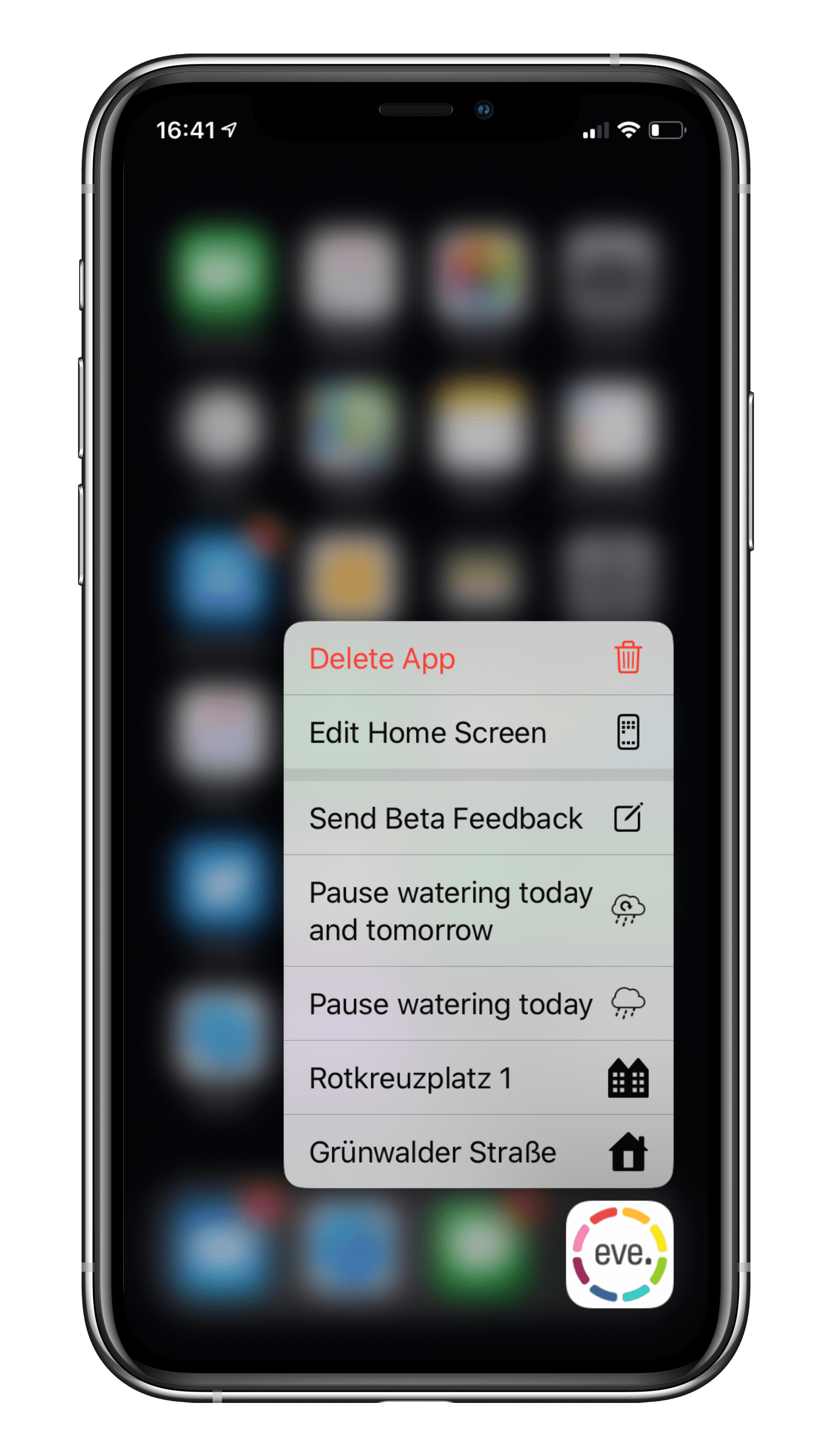
If you drag the watering pause scenes in the Eve app under Automation > Scenes to the first two positions, you can even turn them on by long-pressing the Eve app icon on your Home screen.
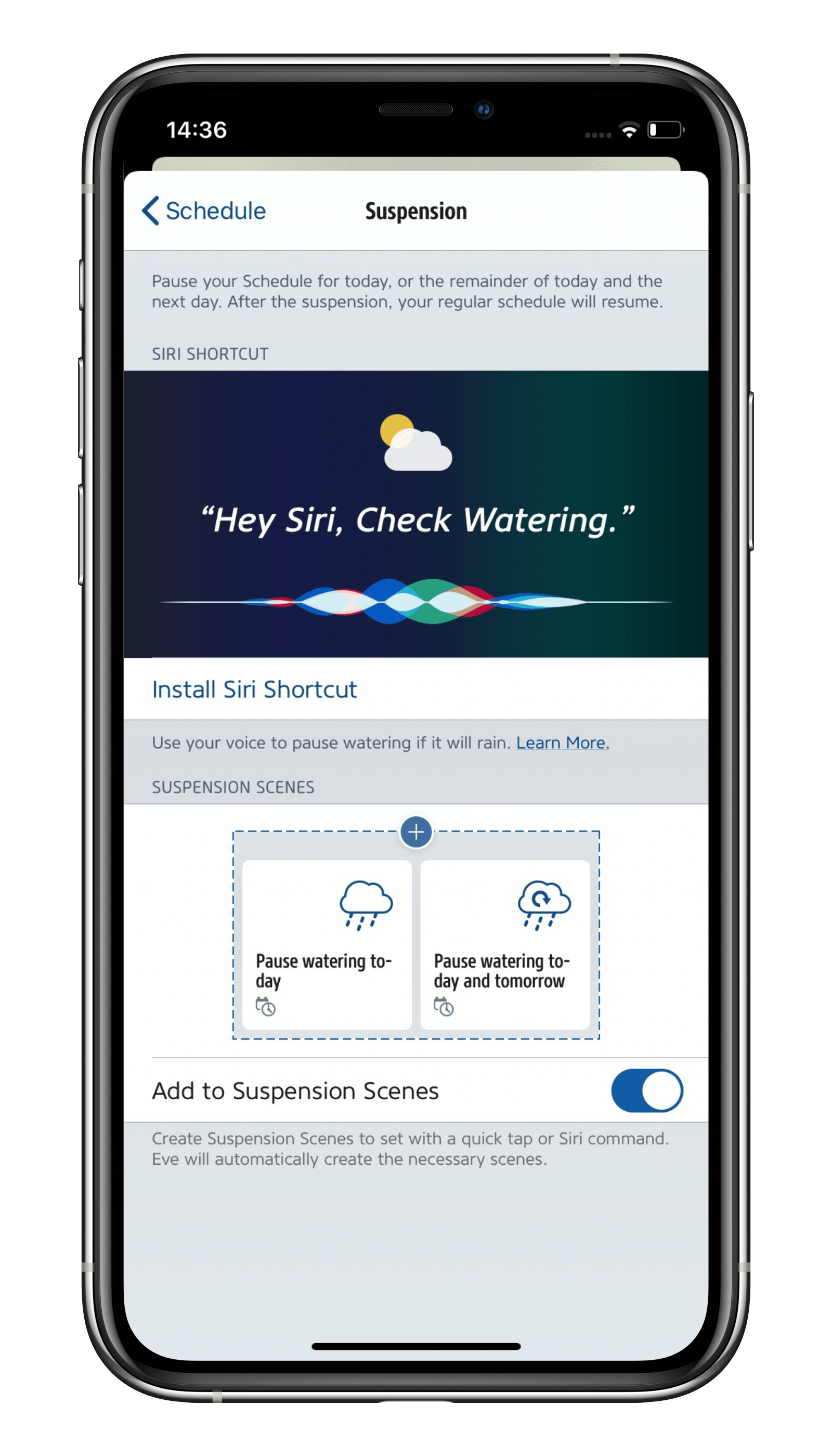
In conjunction with Apple's Shortcuts app, version 4.4 of the Eve app lets you pause Eve Aqua automatically depending on the weather forecast. All you need to do to use this great feature is install a specially prepared Siri shortcut via the Eve app. For further details on how to configure this feature, see the blog post "Suspend your watering schedule based on the rain forecast".
Increase the reach of Eve Aqua
Add a compatible Home Hub to your home and your Thread-enabled Eve Aqua (2nd generation and newer) will be able to communicate via Thread – the mesh network that reaches even the farthest corners of your abode. This happens automatically without you needing to configure anything. Simply position a Full Thread Device, such as Eve Energy, as close as possible to your Eve Aqua. The Eve Energy accessory will then act as a router node and relay data packets from Eve Aqua.
To view the structure of your Thread network and see where you can make improvements, simply go to the Settings area of the Eve app and tap Thread Network. Among other things, you’ll be able to tell which node Eve Aqua uses to communicate and whether you can further improve the stability and reach of your network and accessories by using an additional router node – such as by adding one more Eve Energy or moving one to a better location.
And the features keep on coming...
o fine-tune the Estimated Consumption measurement in the detail view of Eve Aqua, enter as accurate a value as possible in the Eve app under Settings > Accessories > [Eve Aqua] > Flow Rate. To calculate your flow rate, use a water meter. Alternatively, the easiest way is to take a bucket or container (whose volume you know) and time how long it takes to fill it with water output by all the components of your irrigation system. Then simply divide the volume by the time it took. The Child Lock is another key feature in the accessory settings. Once turned on, it disables the button on the front of Eve Aqua so nobody can go playing practical jokes with your sprinkler.
The Child Lock is another key feature in the accessory settings. Once turned on, it disables the button on the front of Eve Aqua so nobody can go playing practical jokes with your sprinkler.
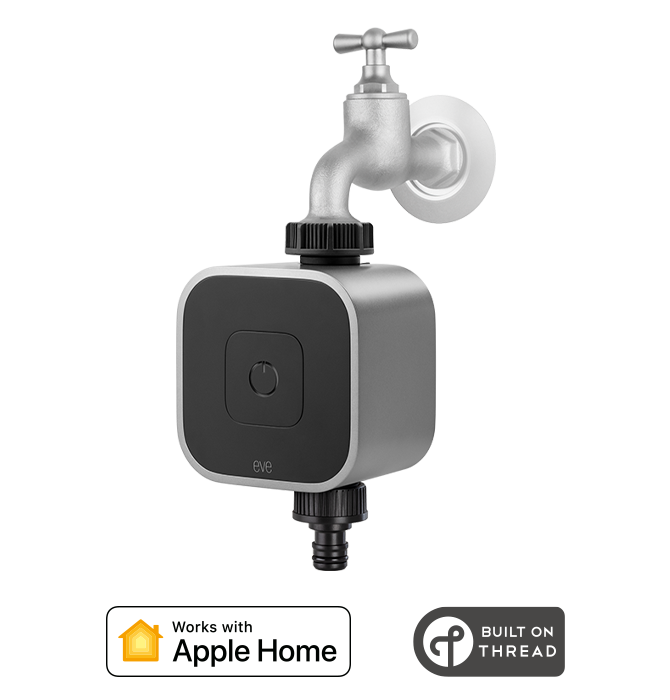
Requires iPhone or iPad with the latest version of iOS/iPadOS



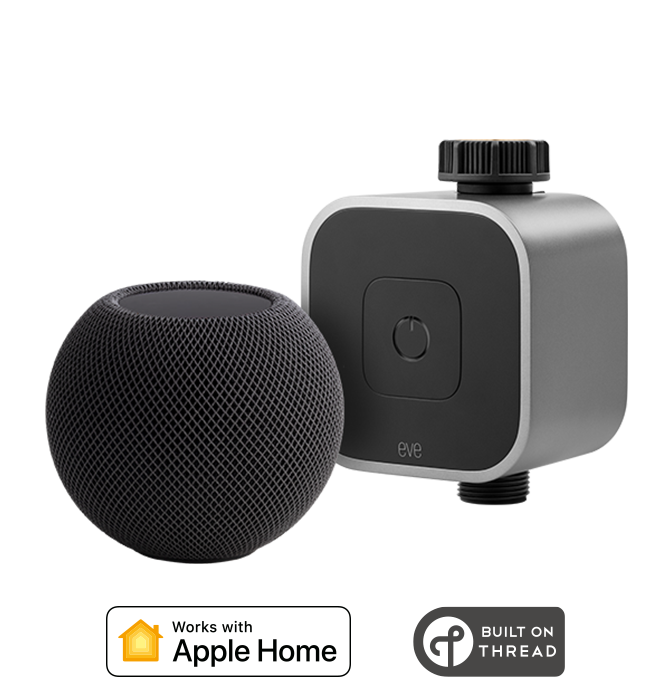
With this bundle you're all set to control Eve Aqua automatically and away from home. Requires iPhone or iPad.
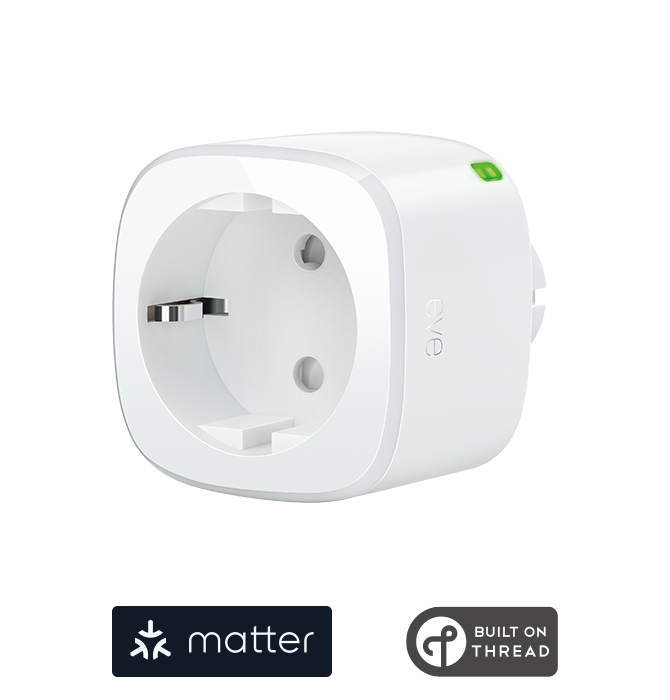
Requires iPhone, iPad or Android device and a compatible hub.

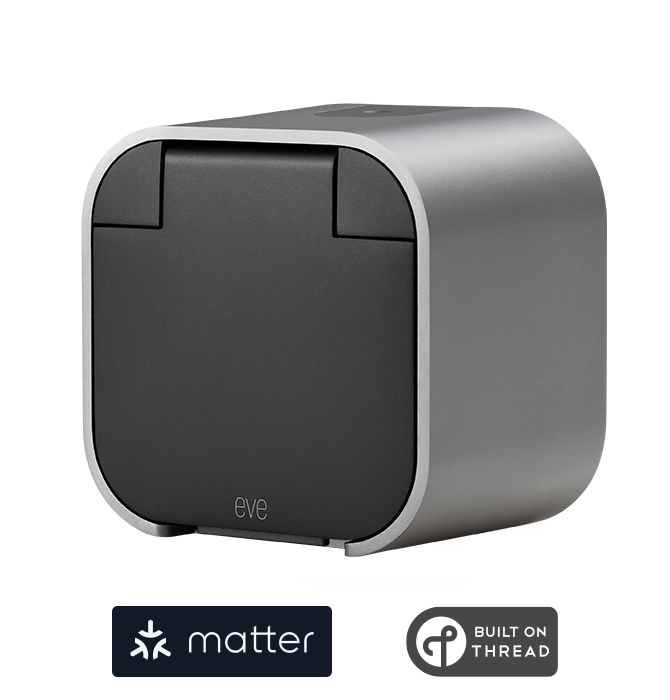
Requires iPhone, iPad or Android device and a compatible hub.

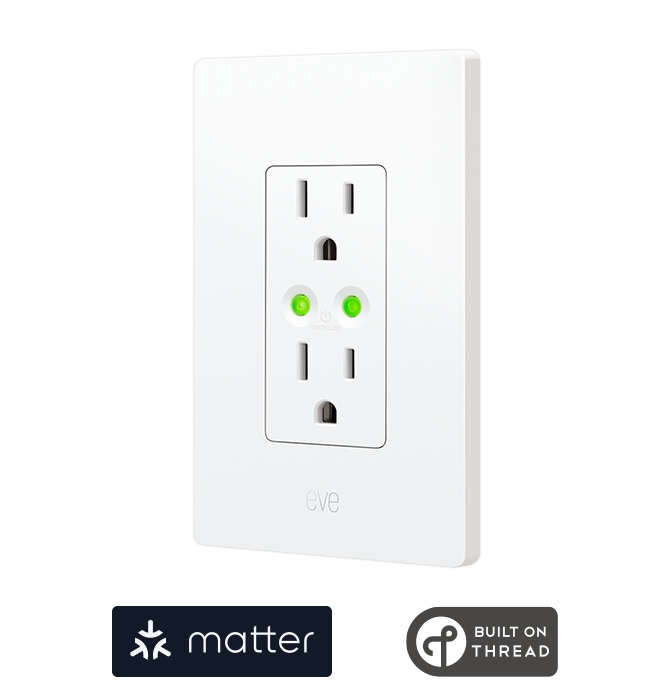
Requires iPhone, iPad or Android device and a compatible hub.

Posts you might also be interested in.
Suspend your watering schedule based on the rain forecast
In conjunction with the Shortcuts app from Apple, the Eve app lets you suspend the watering schedules stored on your Eve Aqua if the weather is going to take a turn for the worse. All you need to do is to install the built-in shortcut right from within the Eve app.
How to plan your smart irrigation system
Summer is finally just around the corner, and we just can’t wait to spend our sunny days relaxing in our deck chairs, BBQing on the patio and taking long breaks. But we could make even more use of the dry weather were it not for the garden and the many precious hours of sunshine we miss out on because we need to water it.
Automatic multi-zone lawn and flowerbed irrigation made easy
Summertime is upon us – and that means, of course, summer vacation! With a corner house flanked by a yard with several beds, we have a lot of different areas to water.