










Smart window coverings not only bring comfort to any home, but also make saving energy effortless.
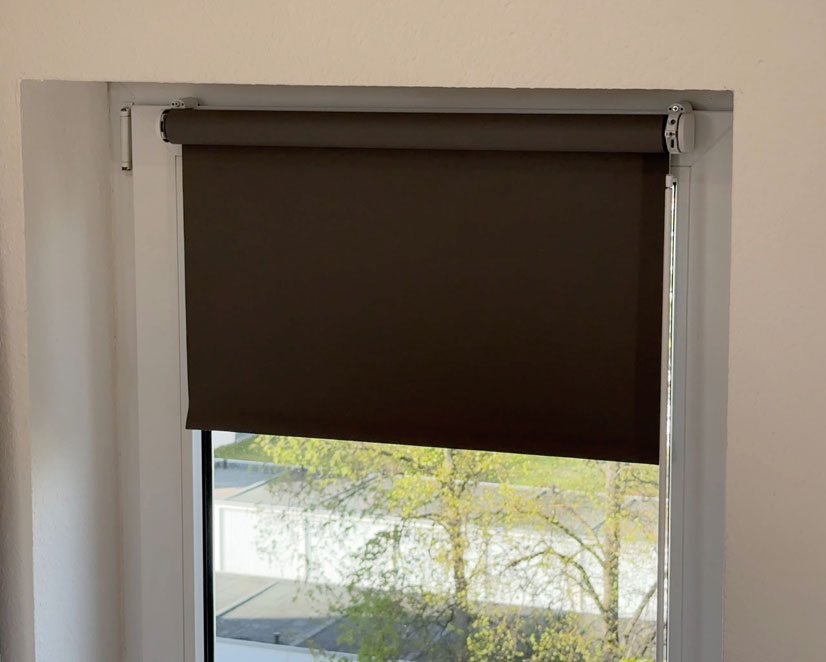
Ikea Blinds Made Smart: How to Install the Eve Motionblinds Upgrade Motor for Small Diameter Tubes
Oct 9, 2026 - by Lars
When the sun is beating down or you want to block prying eyes from outside, smart motors from Eve Motionblinds automatically provide shade and privacy. Find out here how to effortlessly upgrade your existing Ikea and Gardinia roller blinds.
Smart roller blinds are equipped with a motor, battery, and wireless chip. This allows them to automatically ensure that exactly the right amount of light shines through the window—or is blocked—depending on your needs. Alternatively, you can conveniently move the fabric to the desired position using an app or voice command. You can still use the roller blind’s pull cord or wand, but you no longer have to.
You can easily retrofit these smart features with Eve Motionblinds Upgrade Kit for Roller Blinds. Its new motor version is designed for smaller tube diameters, enabling a smart upgrade for many more roller blinds—including models from popular brands like Ikea and some you'll find at the DIY store (e.g. Gardinia in Germany). To install it, simply slide the motor into the existing roller tube and replace the chain mechanism. You can continue to use the fabric that surrounds it.
Benefits of Retrofitting Smart Roller Shades
Upgrading an existing roller shade is sustainable, easy on your budget, and preserves the look you want. It’s also an affordable option for furnishing your home for the first time, helping you stay within your renovation budget. If you prefer, you can start with affordable, ready-made roller shades that you pick up off the shelf and combine with the upgrade motor. Retrofit kits are also a practical solution if the manufacturer has discontinued the smart version of your favorite roller shade.
Don’t worry: if products with standard dimensions don’t fit in front of your windows or in your window recess, you won’t be left empty-handed. In that case, Eve Blinds Collection offers you a smart roller shade custom-made to your specifications, combining motors from Eve Motionblinds with exquisite fabrics from their partner Coulisse. You can also easily install these complete sets yourself.
The Upgrade Kit, on the other hand, lets you pair your favorite roller blind brand with Eve Motionblinds. Is it Ikea or a DIY store brand like Gardinia? We’ve put it to the test to show you how conventional, manually operated models from both manufacturers can be smartened-up with Eve Motionblinds.
Eve Motionblinds Upgrade Kit: Hardware Overview
The Eve Motionblinds Upgrade Kit is literally what will power your smart roller shade from now on. It’s a rod motor that you slide into the tube of an existing roller shade. You’ll no longer need the old chain mechanism you used to operate the shade by hand. Eve Motionblinds Motor for Small Diameter Tubes can be easily retrofitted. All the required parts are included in the package.
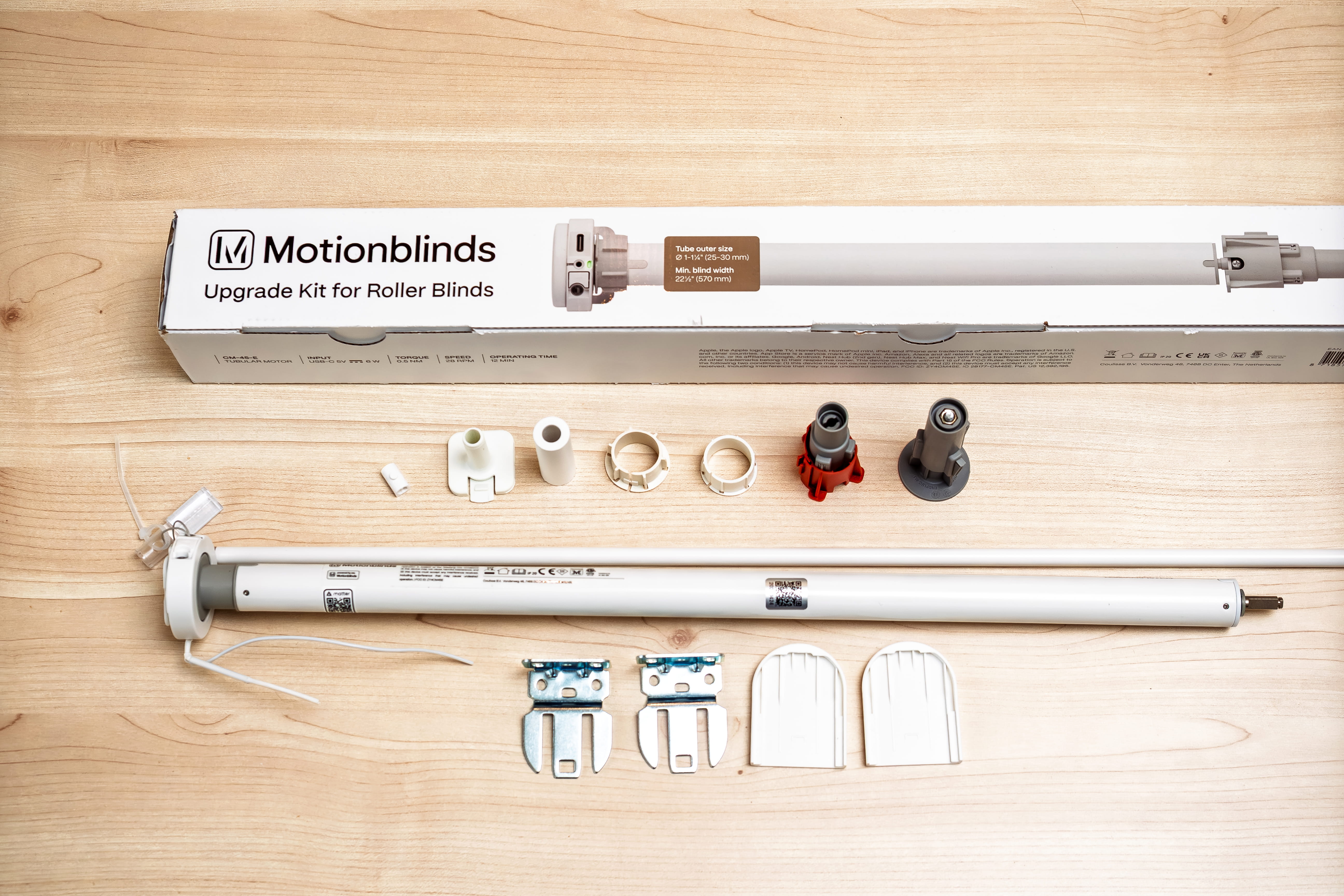
The motor housing contains a rechargeable battery that lasts about a year on a single charge. You can recharge it via a USB-C port as needed. The motor remains operational during charging, so it can still darken or lighten the window. Next to the USB port is a wand with a short connecting cord. Pulling on it by hand activates the roller blind motor. Despite all the smart control options, it’s still possible to operate it this way. This is handy when your smartphone isn’t within reach and your smart speaker isn’t within earshot.
You can mount the roller blind on a wall, ceiling, or window frame using the included mounting kit. All of its components are made from sturdy, durable materials.
The motor receives control commands via Thread wireless technology and the Matter communication protocol. To access the full range of features, use the Eve app on an iPhone or iPad along with a compatible Apple smart home hub, which acts as a Matter controller and Thread border router. Via Matter, you can also control the motor using Matter and Thread control centers—https://www.evehome.com/de/hub—as well as apps from Amazon, Google, and Samsung SmartThings, even on Android.
You don't need a subscription or an Eve cloud account for this, because neither of those exist. Therefore—as far as Eve is concerned—your privacy is guaranteed.
Find Out if Your Blinds Fit
The Eve Motionblinds motor for small diameters fits tubes with an outer diameter of 25 to 30 millimeters and a minimum length of 57 centimeters. Important: Measure the diameter and length at the outer edges of the tube, not at the edges of the fabric wrapped around it. Then compare these measurements with the specifications provided by the roller blind manufacturer in the product data sheets. The length is easy to find there, but the diameter isn’t always listed. Also note that the value listed there may sometimes refer to the inner diameter.
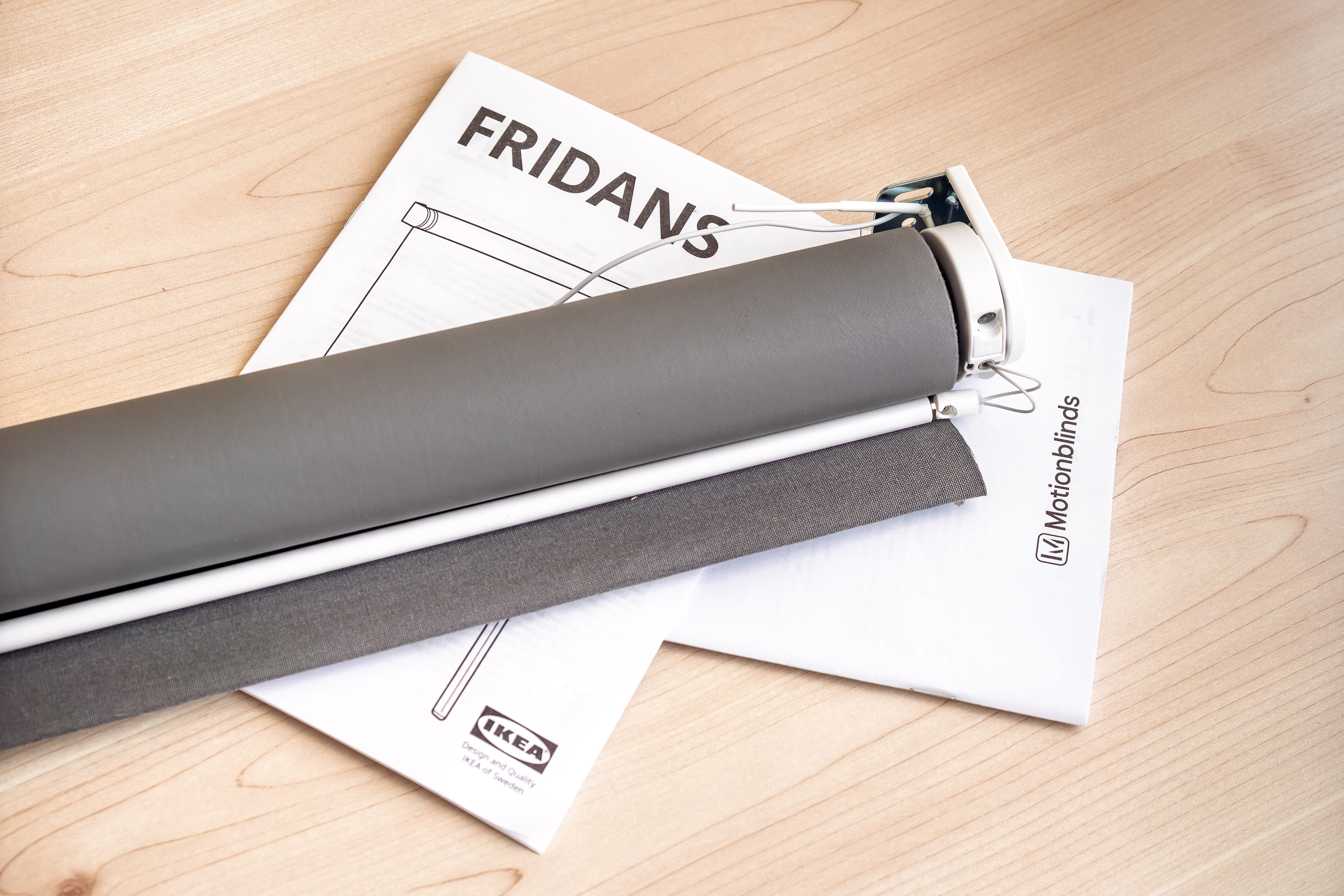
Eve Motionblinds Motor for Small Diameter Tubes fits inside the tube of an Ikea Fridans.
Because the new motor version fits into slimmer tubes, the selection of compatible roller shades has expanded. Thanks to a torque of 0.5 Newton-meters, the motor can easily operate even longer—and therefore heavier—roller shades.
As an example, we’ll walk you through the conversion process below using the two Ikea Fridans blackout roller shades and a Gardinia side-pull roller shade. Both tubes have an outer diameter of at least 25 millimeters. Our Ikea Fridans model is one to two millimeters larger.
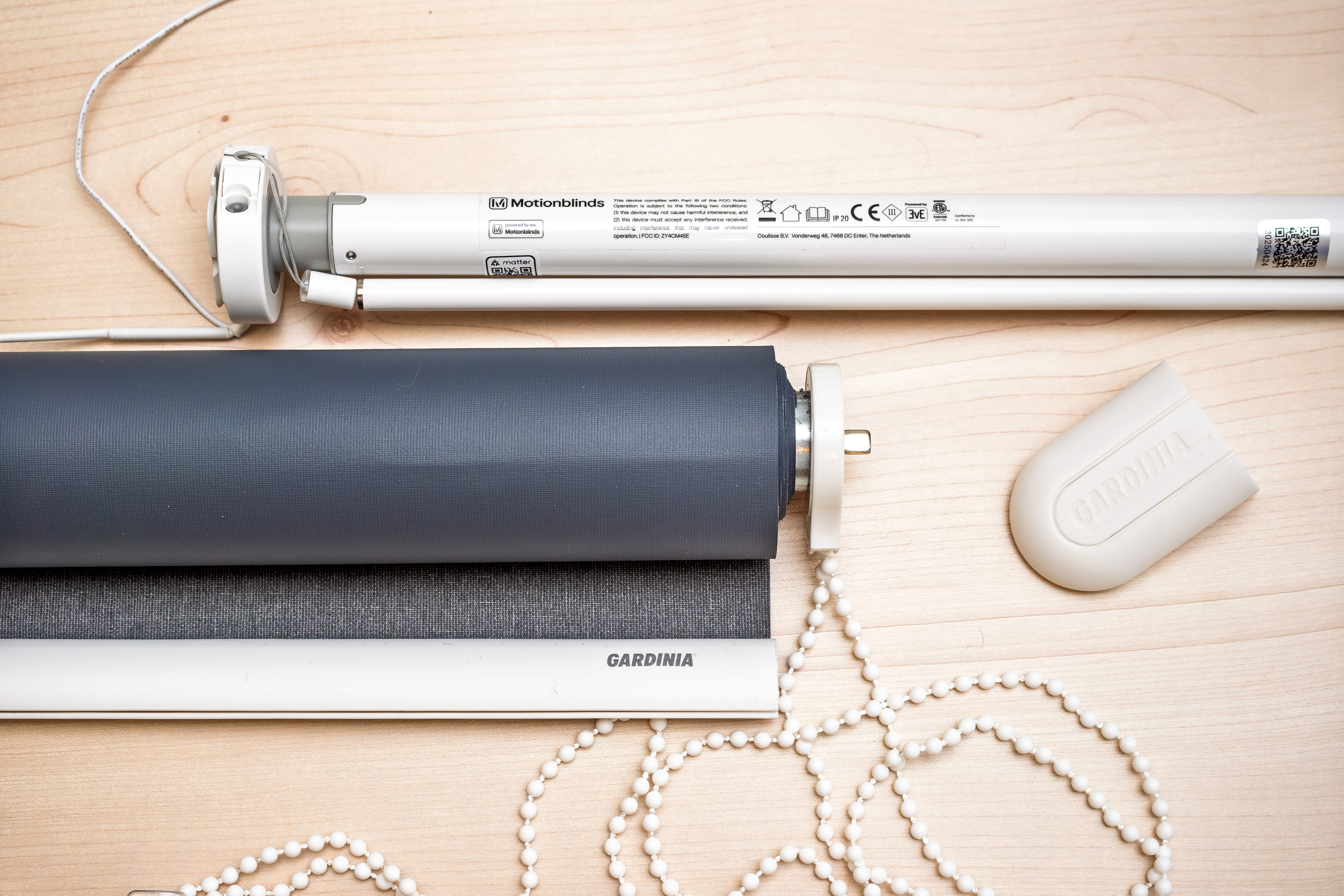
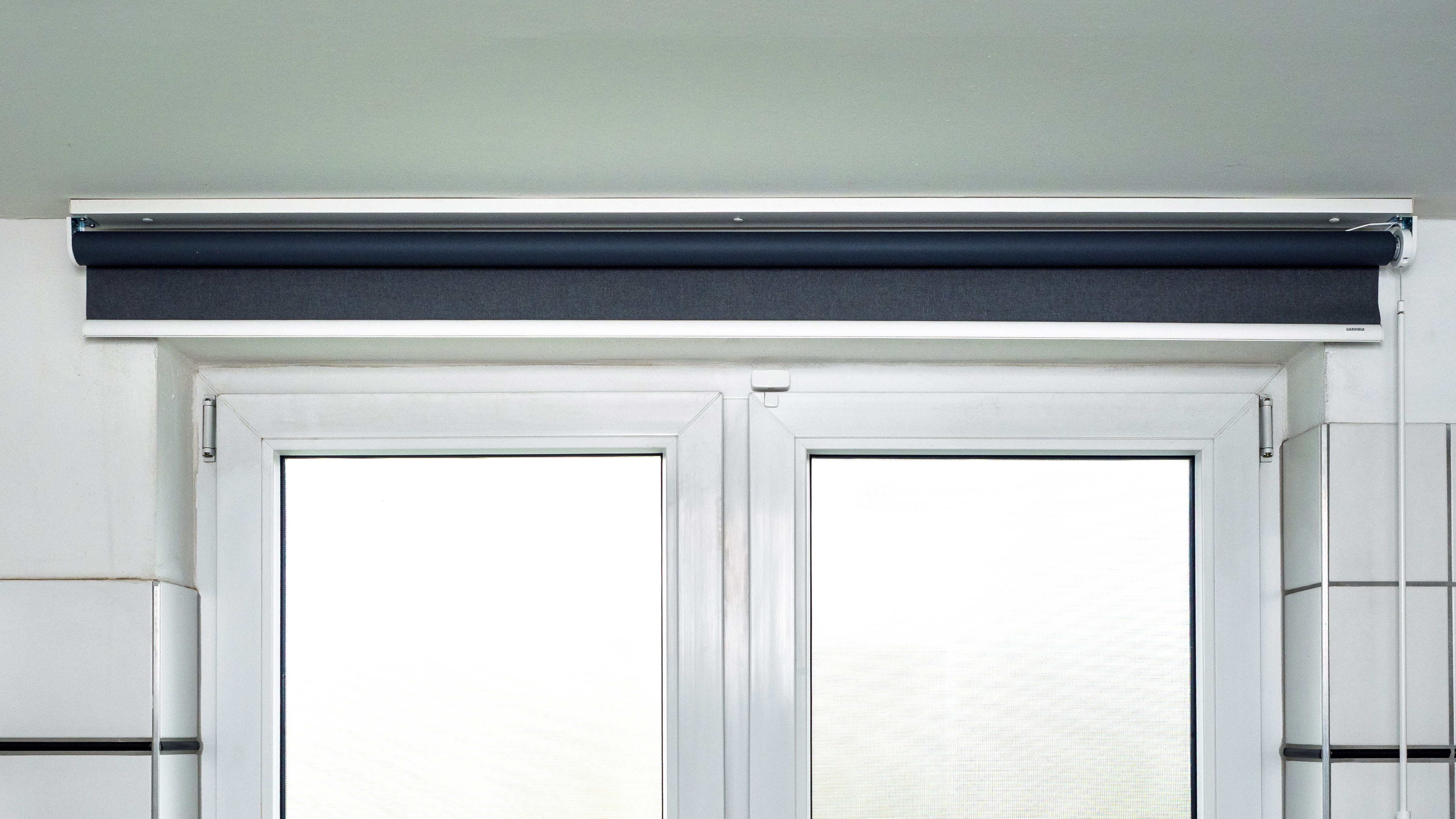
A blackout roller shade from Gardinia can be easily retrofitted with Eve Motionblinds Upgrade Kit.
The roller shade models selected for the practical test—including the right- and left-hand mechanisms—measure 65 centimeters in width at Ikea and 162 centimeters at Gardinia. After retrofitting with Eve technology, the value shrinks by about five millimeters for each model.
How to replace the existing mechanism with the motor
The mechanical modification is simple in both cases. If you’re already using roller shades from IKEA and Gardinia, roll them up and secure them so they don’t accidentally unroll during the rest of the process. To do this, wrap a string or tension strap around the fabric.
Then remove the roller shades from the bracket and place them on a flat surface, such as a table. For the IKEA shades, remove the wand on one side and the tension spring on the other; for the Gardinia shades, remove the chain pull and the end piece on the opposite side – so that the tube ends are exposed.
If you’ve just bought both roller shades, there’s no need to disassemble them. You should still tie the fabric back, though. That way, the fabric panels won’t get in your way while you’re making the modifications.
All components needed to install the motor are included in the box. You’ll just need to provide standard tools for measuring, screwing, and drilling if necessary. The conversion process for both roller shades is virtually identical and also applies to other models with matching dimensions.
First, screw the tag with the Matter code onto the wand. Keep the manual with the Matter code in a safe place.
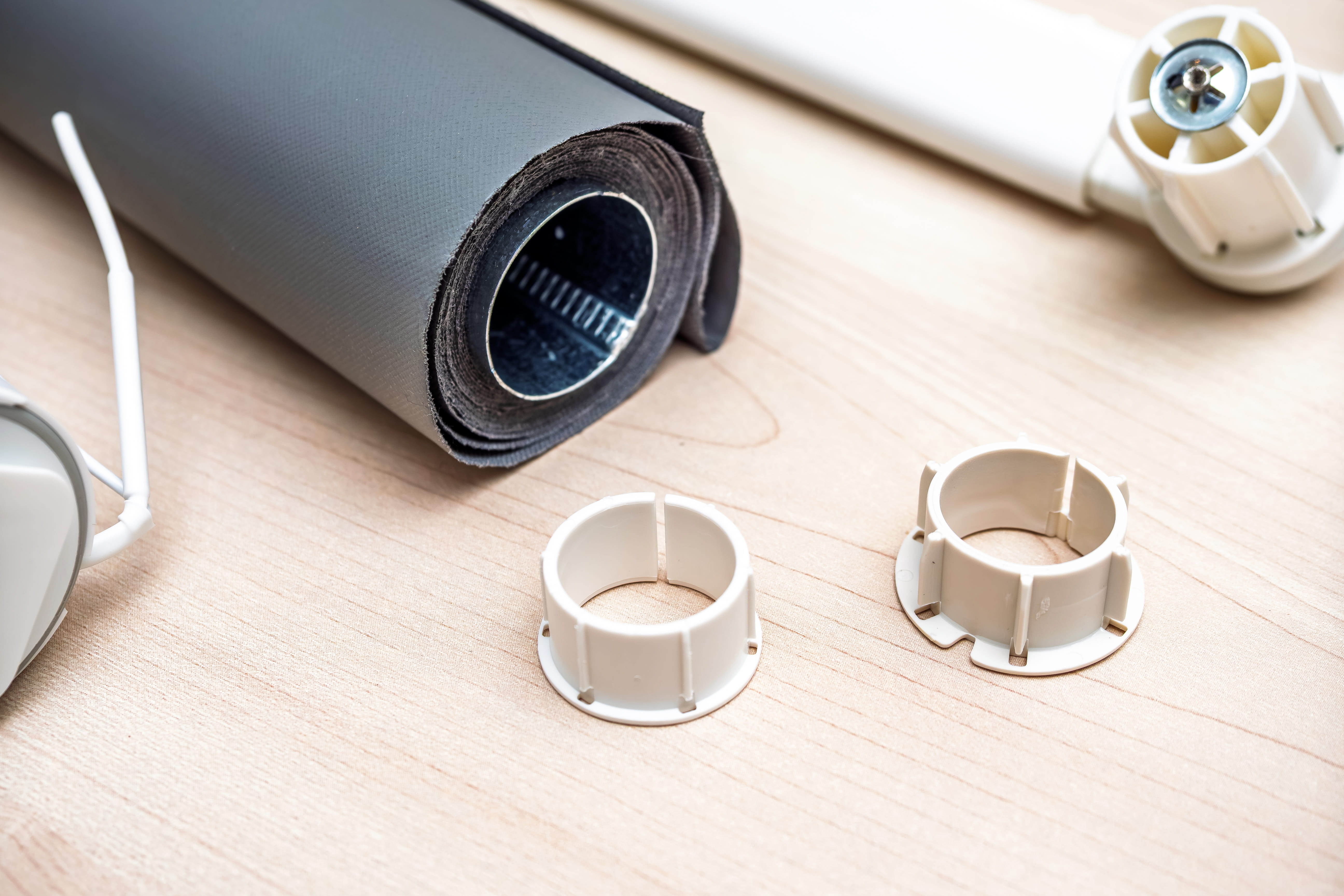
First, select the appropriate shaft adapter.
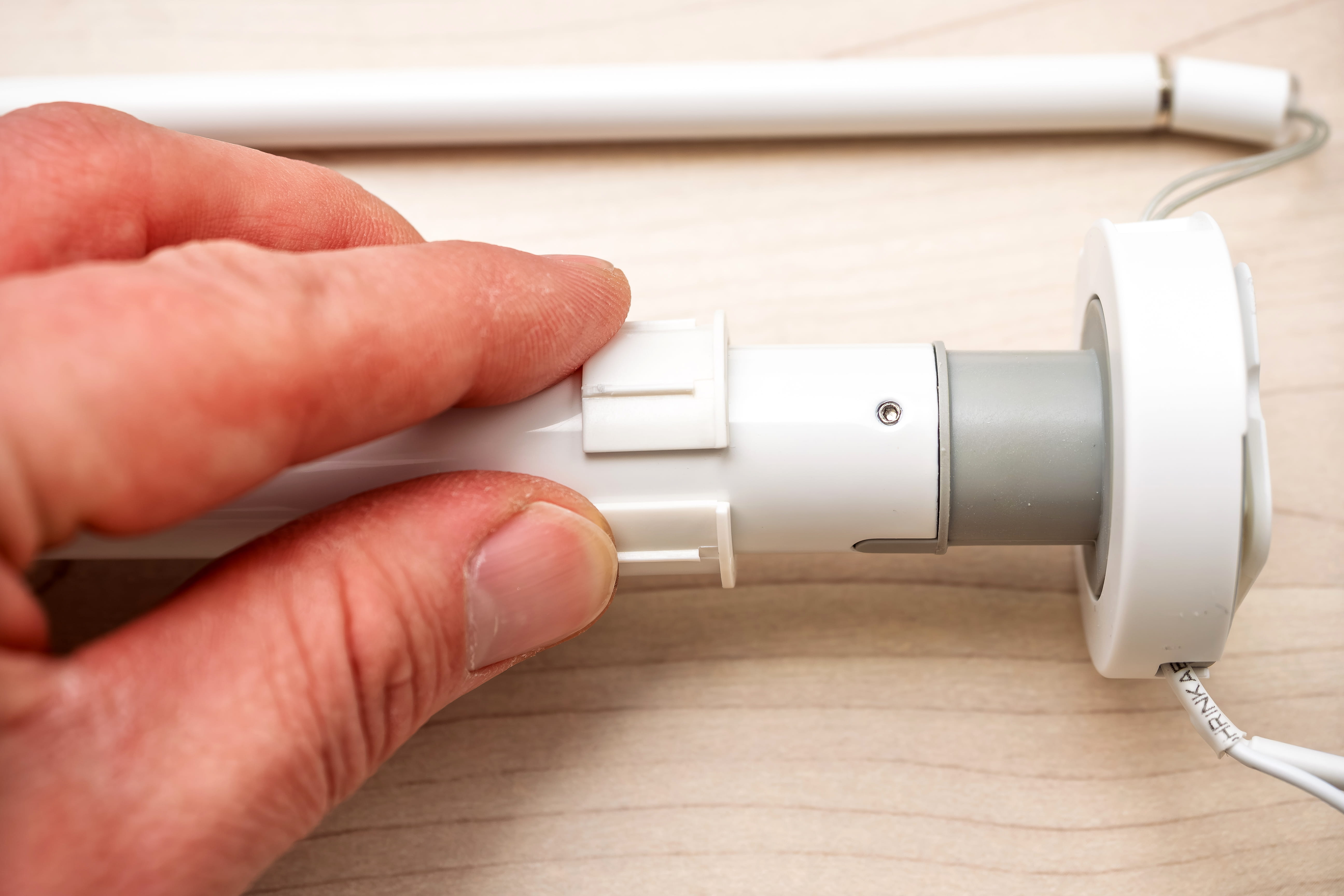
Slide the selected shaft adapter onto the drive shaft.
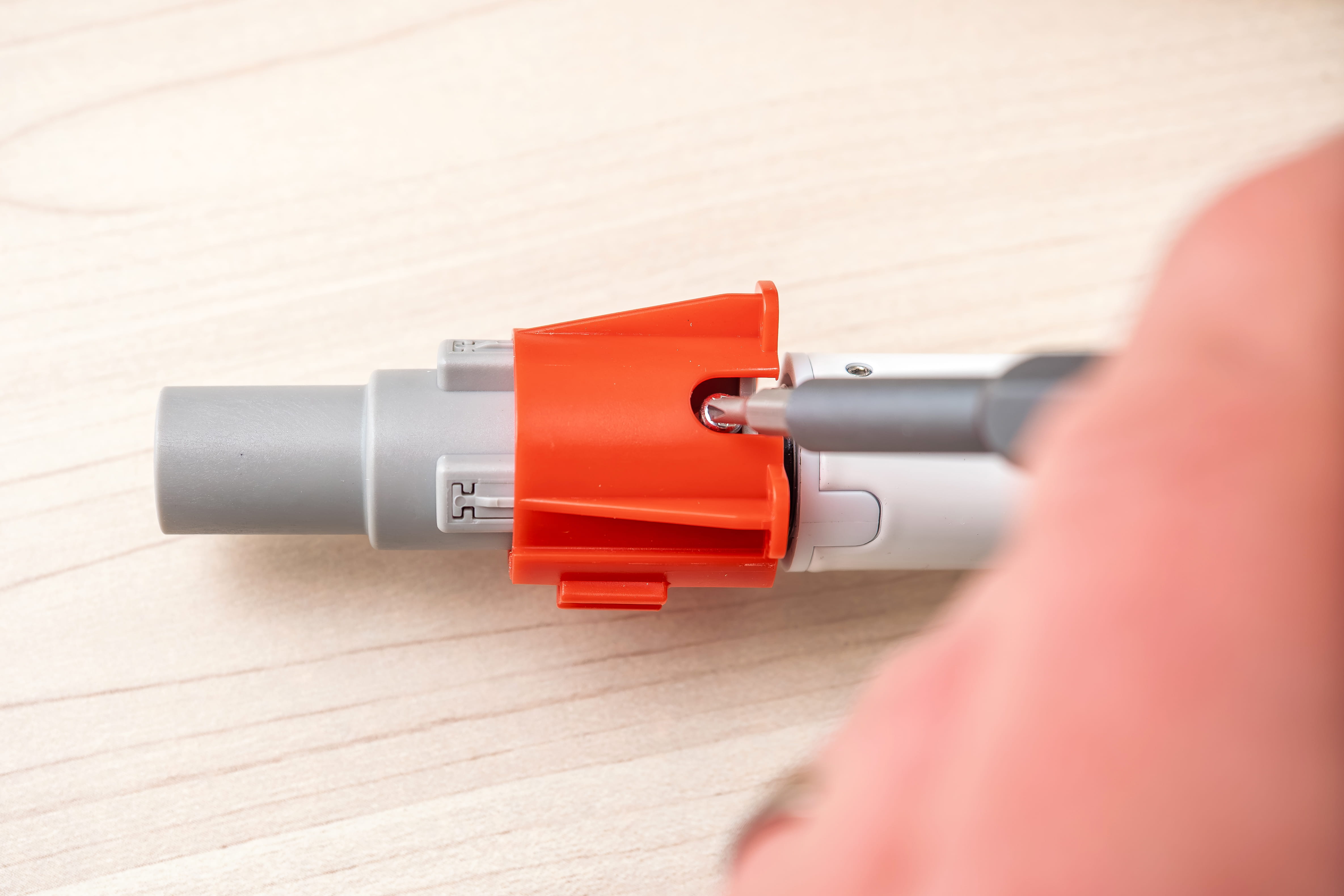
Secure the conversion ring to the drive shaft using a screwdriver.
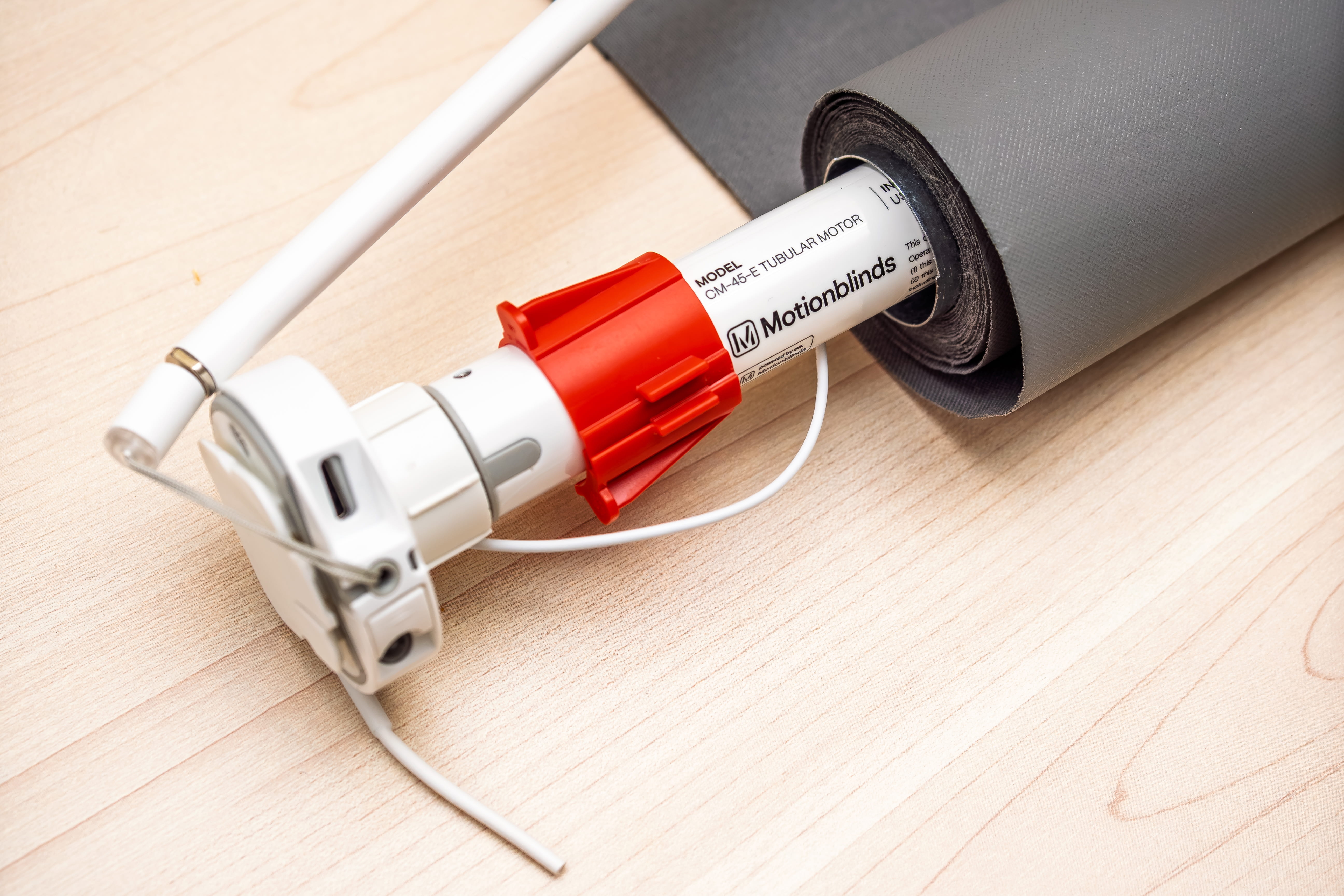
Then slide the motor into the roller shade and remove the red transport lock from the conversion crown.
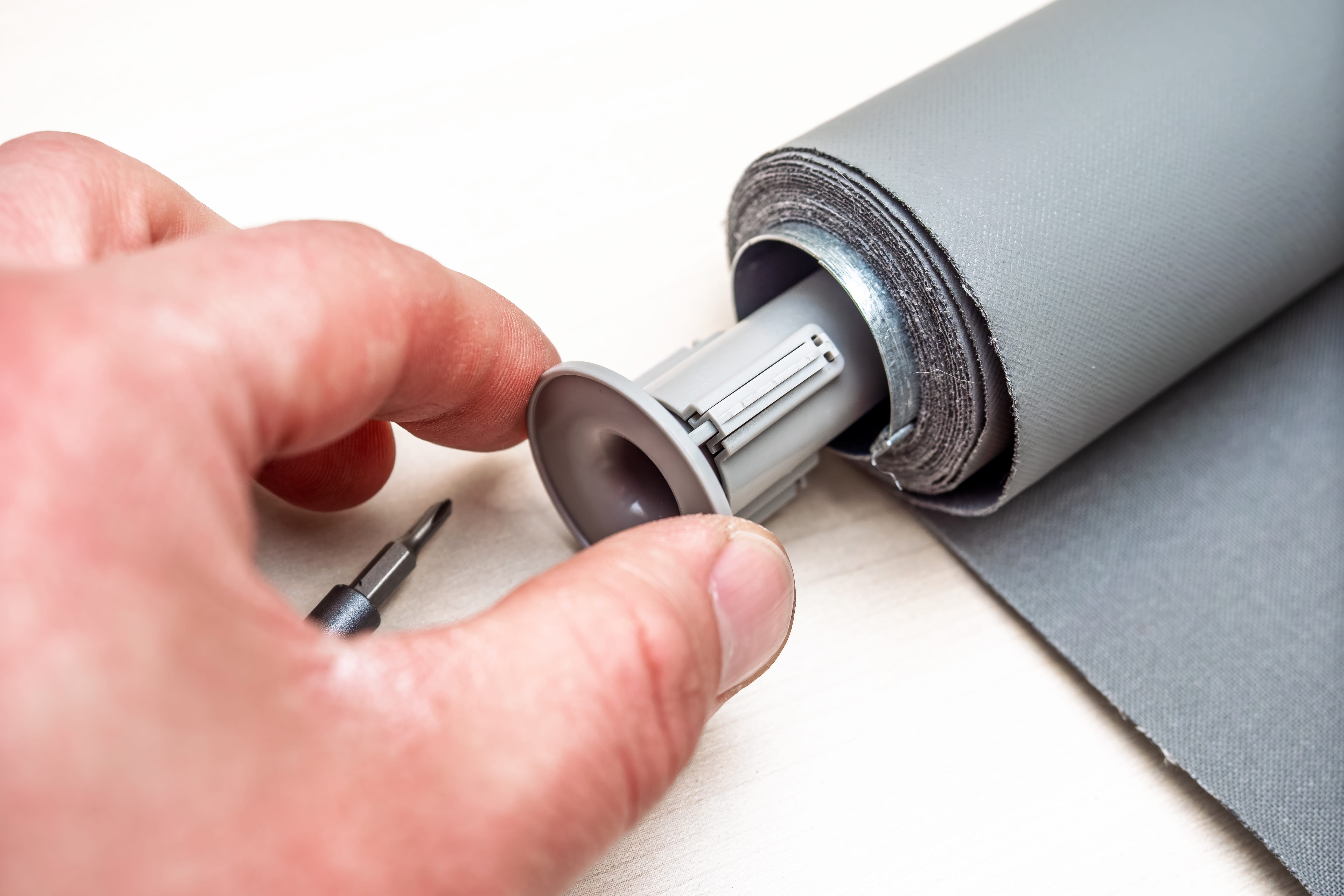
Finally, insert the counter bearing on the other side and screw it in place.
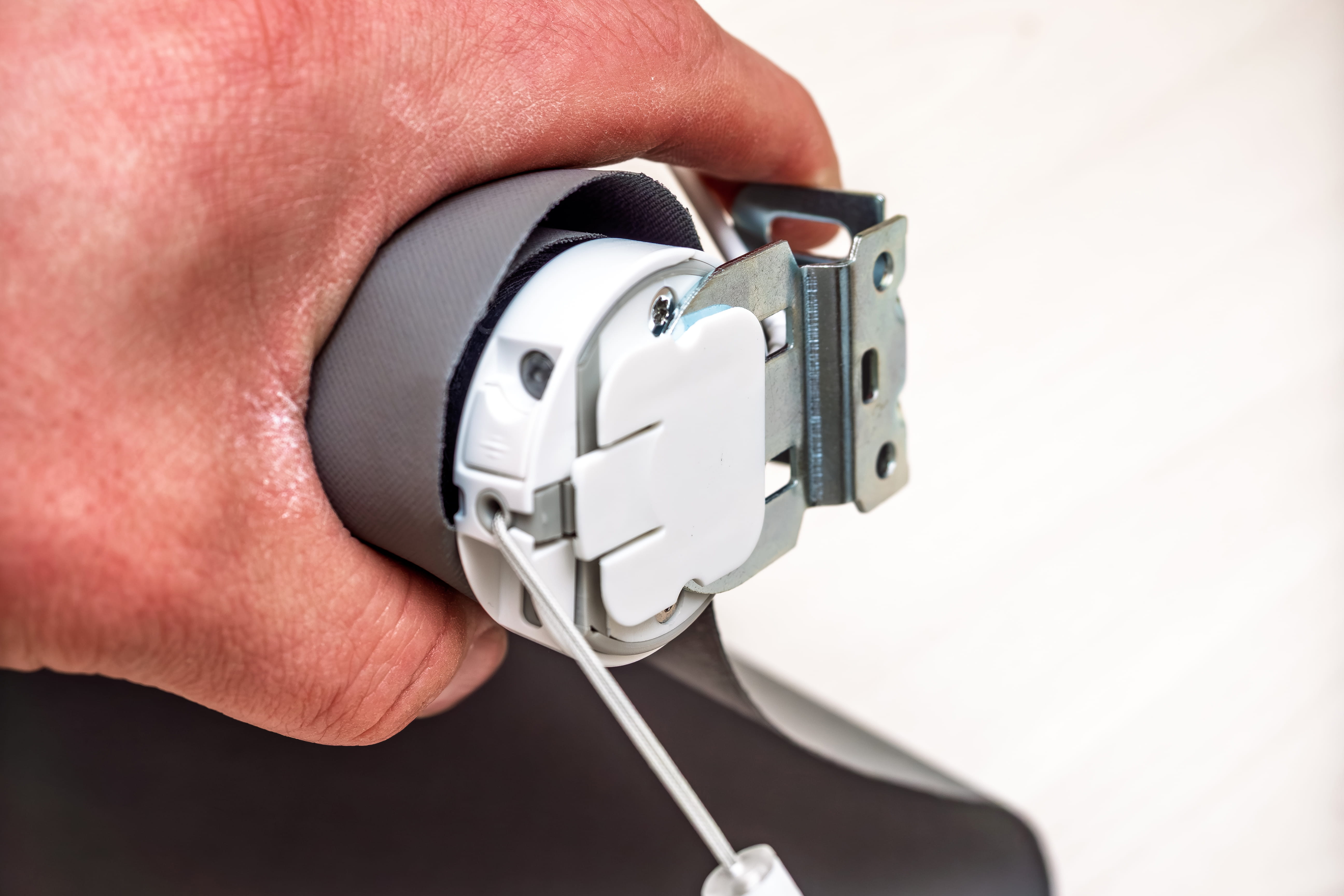
Two metal brackets will later hold the roller shade to the wall, ceiling, or window.
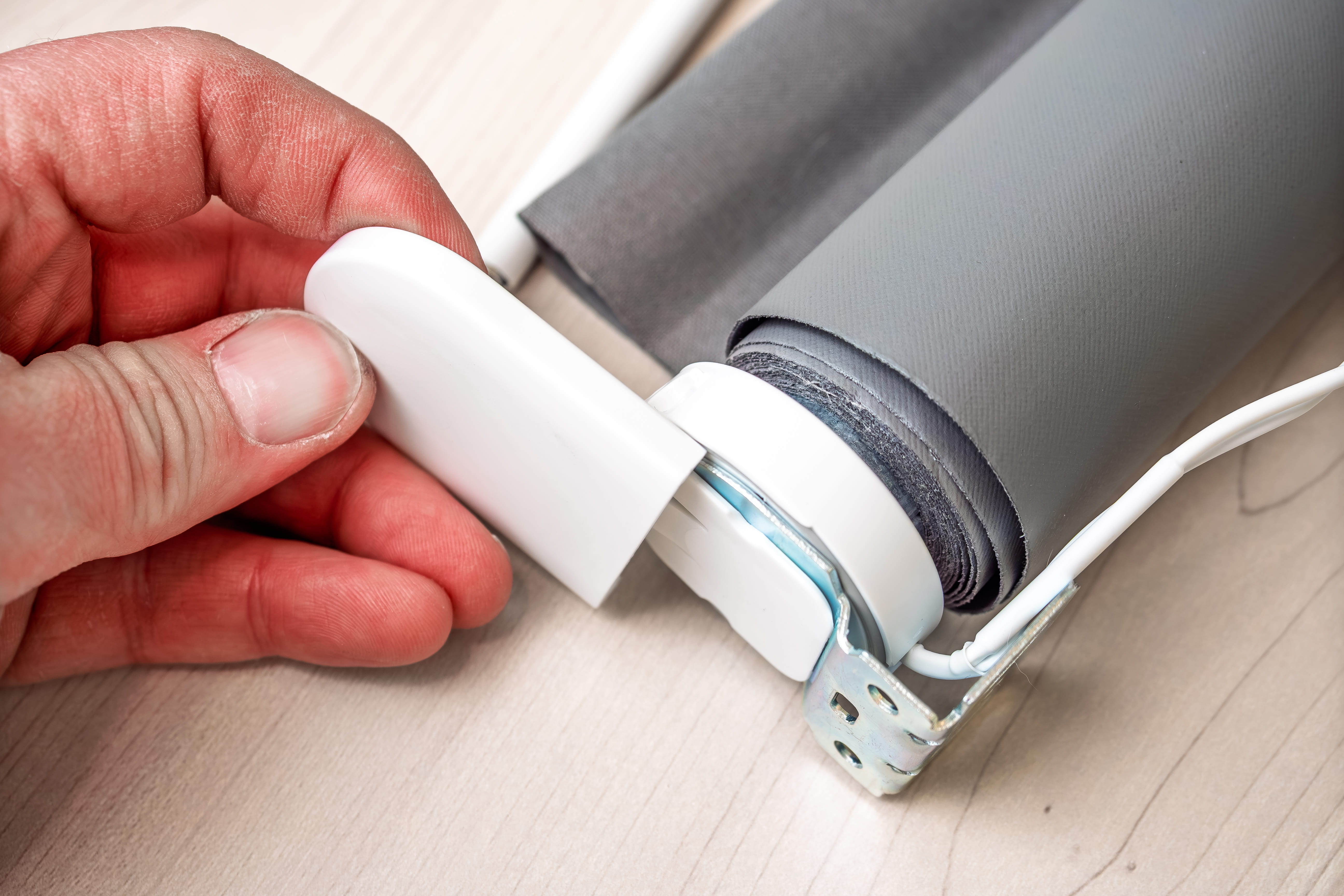
A cover cap hides the metal bracket for a seamless look.
The first step in the conversion is to check which of the two shaft adapters (the white adapter sleeves) best fits the inner diameter of the tube. Then slide the appropriate adapter onto the drive shaft of the tubular motor as far as it will go. Next, place the conversion ring (the gray component with the red cap) onto the motor shaft and secure it with the provided screw using a screwdriver.
Do you want to be able to operate the wand on the right or left side of the roller shade? Both are possible. Depending on your choice, decide which end of the tube to insert the motor into. Insert it all the way. With Fridans, this goes smoothly. With the Gardinia roller shade, it requires a little more effort because the diameter of the roller tube is slightly smaller, so the drive shaft fits more tightly.
When inserting the motor, the red cap will come off the crown. It serves solely as a transport lock. Remove it, then insert the counter bearing (the second gray component) into the open end of the roller shaft and secure it as well with a screwdriver. The counter bearing serves as a pivot point and housing for the axle pin, which will later hold the roller blind in place at the installation site.
How to Mount Eve Motionblinds Upgrade Kit
This concludes the motor installation. You may now proceed with mounting the blind to the wall, ceiling, or window. Metal brackets are included as mounting hardware. If you choose to mount the blind by drilling, clip the brackets onto the blind, hold everything in place, and mark the drill holes. To attach the brackets to the wall or ceiling, first remove them from the roller shade and then screw them into place at the desired location. Next, hang the roller shade on the brackets and cover them with the end caps included in the box.
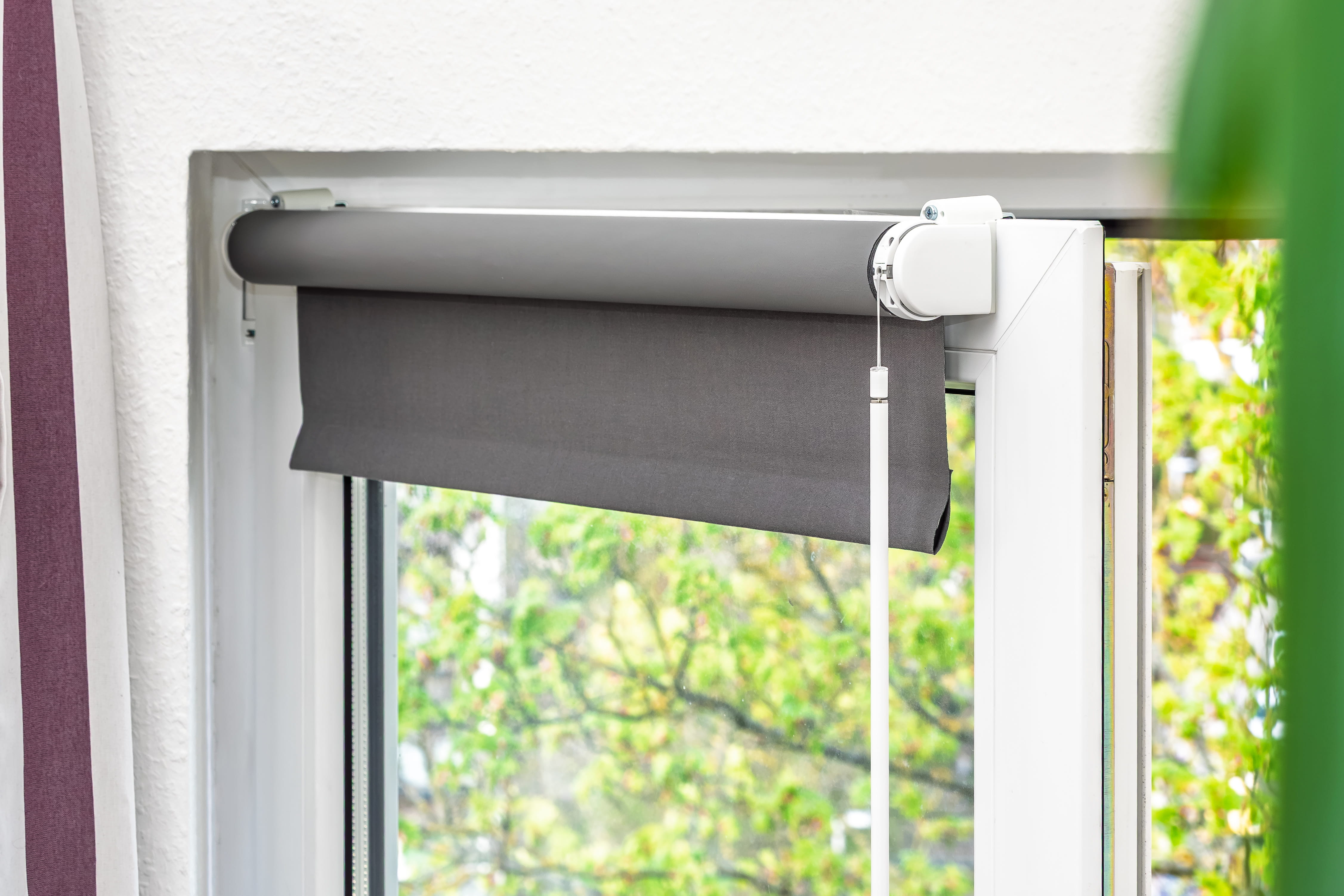
If you prefer a clamp-on installation on the window sash, you’ll need to purchase additional clamp brackets. IKEA offers accessories from the Fridans series that fit the roller shades’ brackets, but their screw holes do not fully align with those of Eve’s hardware. Instead, choose universal clamp brackets, which almost always fit. This is how we securely mounted the motorized Fridans roller shade to a window.
How to Set Up and Automate Using the App
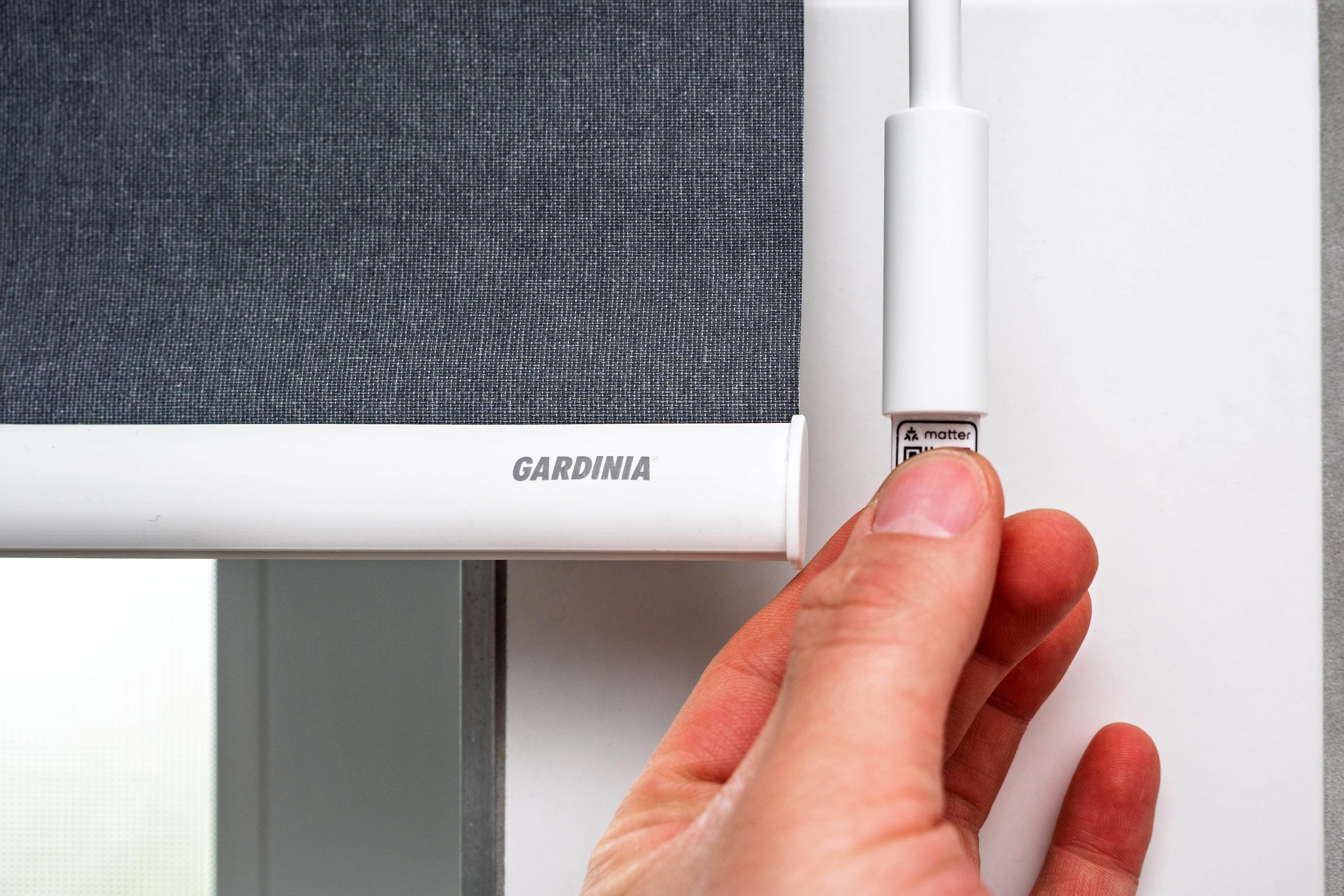
To get your smart retrofitted roller shade ready to go, scan the Matter code on the wand or on the back of the manual using a compatible app on your smartphone or tablet, and then follow the step-by-step instructions.
To set it up using the app, scan the Matter code on the wand.
The Eve app offers the most features. To start, it walks you through all the important settings to ensure the roller shade always moves to the correct position—for example, whether the fabric should unroll from the front or the back, and whether the operating rod is on the right or left. You can also use the arrow button to set how far the fabric unrolls when the shade is fully open or closed. If you’d like, you can set a favorite half-open position somewhere in between. The roller shade will move to this position—unless you give a command via the app or a smart speaker—when you pull the wand for seven seconds. The Eve app guides you through all the important steps during setup and offers many handy features for controlling the motor.
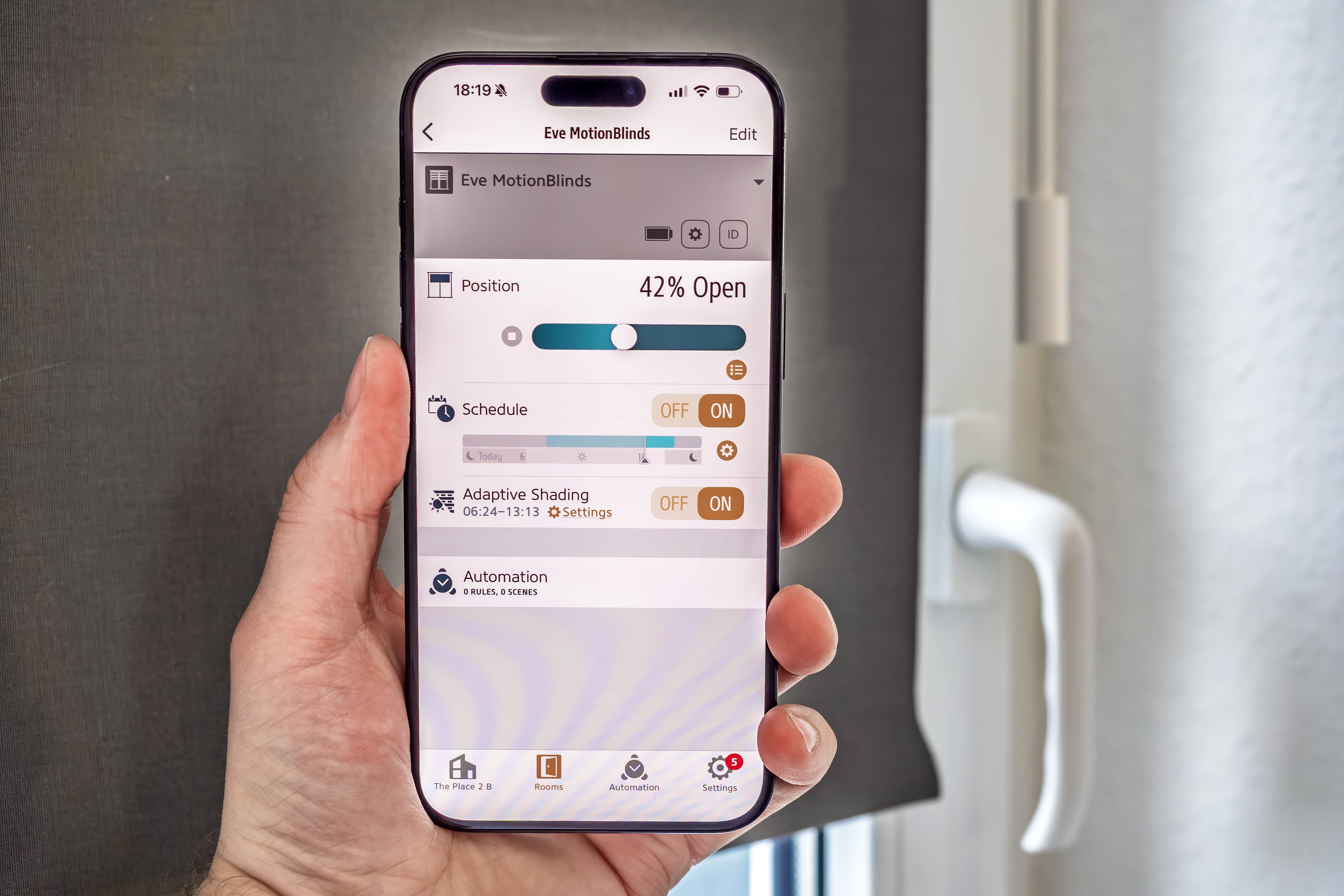
Ideally, you should automate the roller shade. By setting a schedule, you can have the motor do its job at fixed times or at sunset and sunrise. The Eve Motionblinds motor stores these schedules locally, so they run completely independently of your smartphone or internet connection.
With the Adaptive Shading feature, you can choose to have the roller shade close as the sun moves across the window throughout the day. When you're working near the window, this allows you to view your screen without glare at all times.
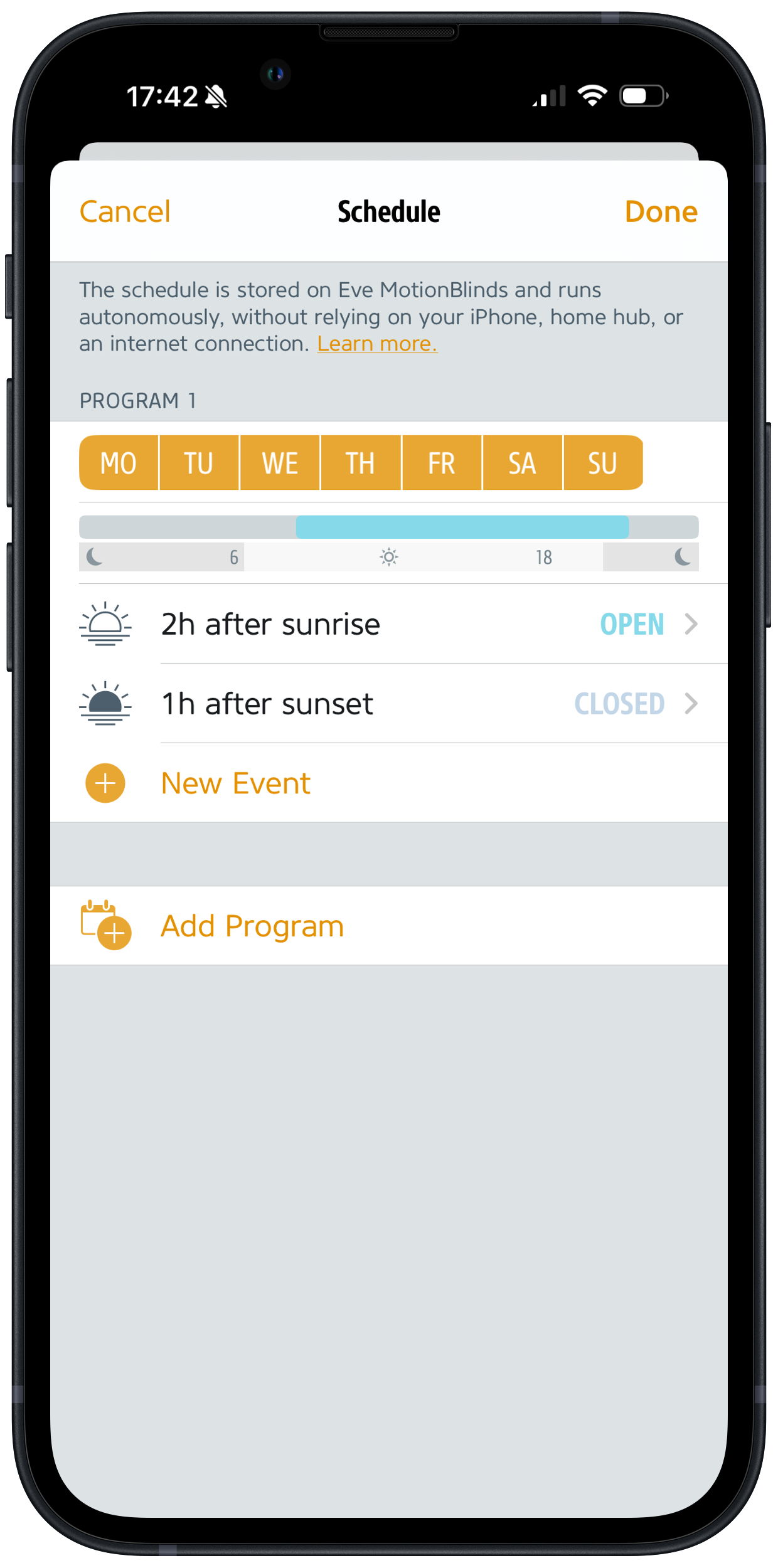
You can have the roller shade close automatically at set times or at sunset and sunrise.
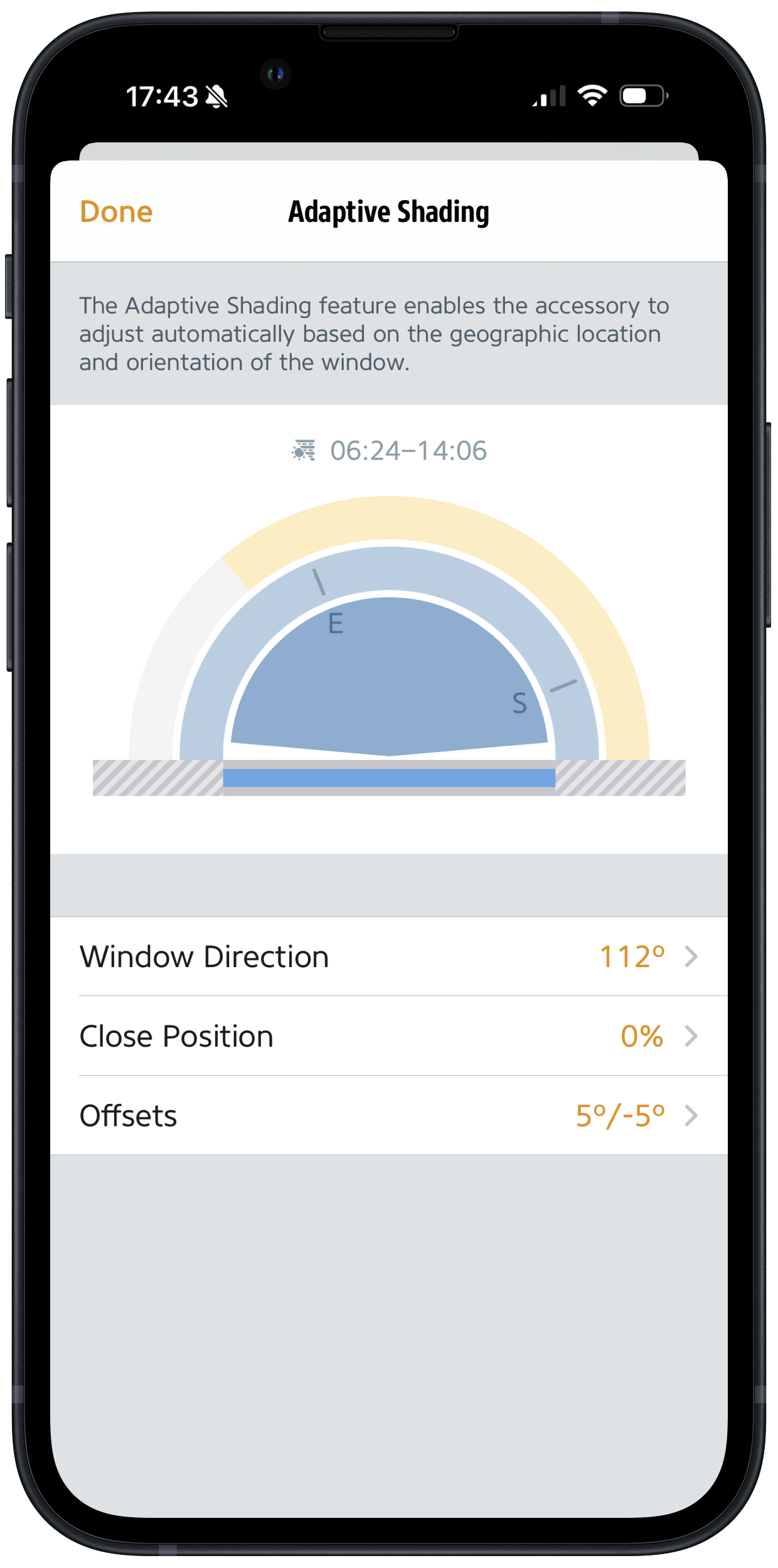
With "Adaptive Shading" feature, you can specify the window’s orientation relative to the sky and ensure that the roller shade closes automatically when the sun moves into that position.
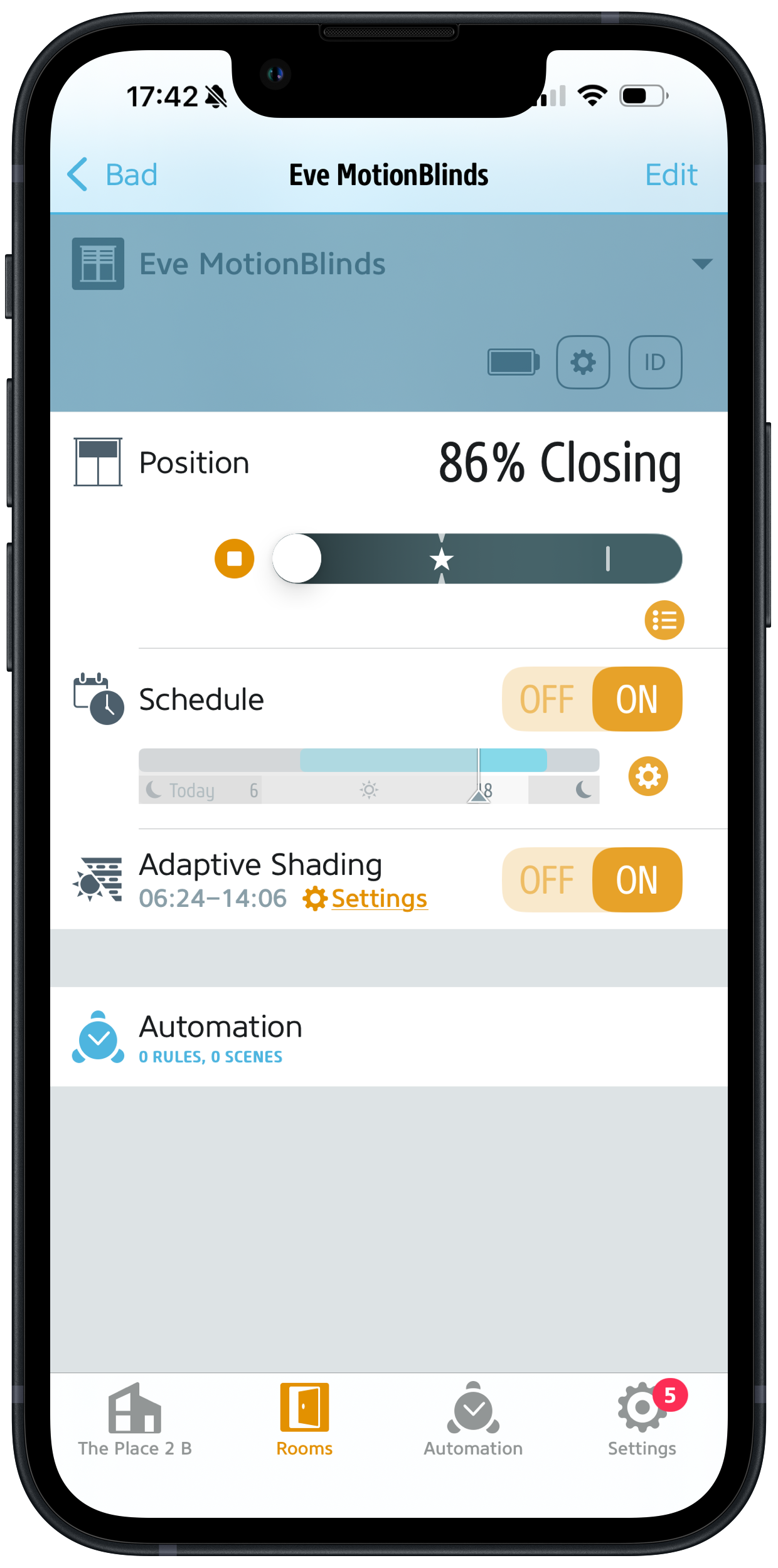
In the app, you can adjust all initial setup settings at any time and, of course, operate the roller shade motor manually.
You can create additional practical automations in conjunction with Eve Door and Window. If the contact sensor reports to the home hub that a tilted or open window is in the way of the rolling shutter as it’s closing, the motor can be stopped to prevent a collision. When paired with Eve Weather, the motor reacts to hot summer temperatures outside and blocks out heat radiation by lowering the roller shade. The light sensor from Eve Motion can provide brightness values for automations in which the shading system reacts to direct sunlight or even twilight.
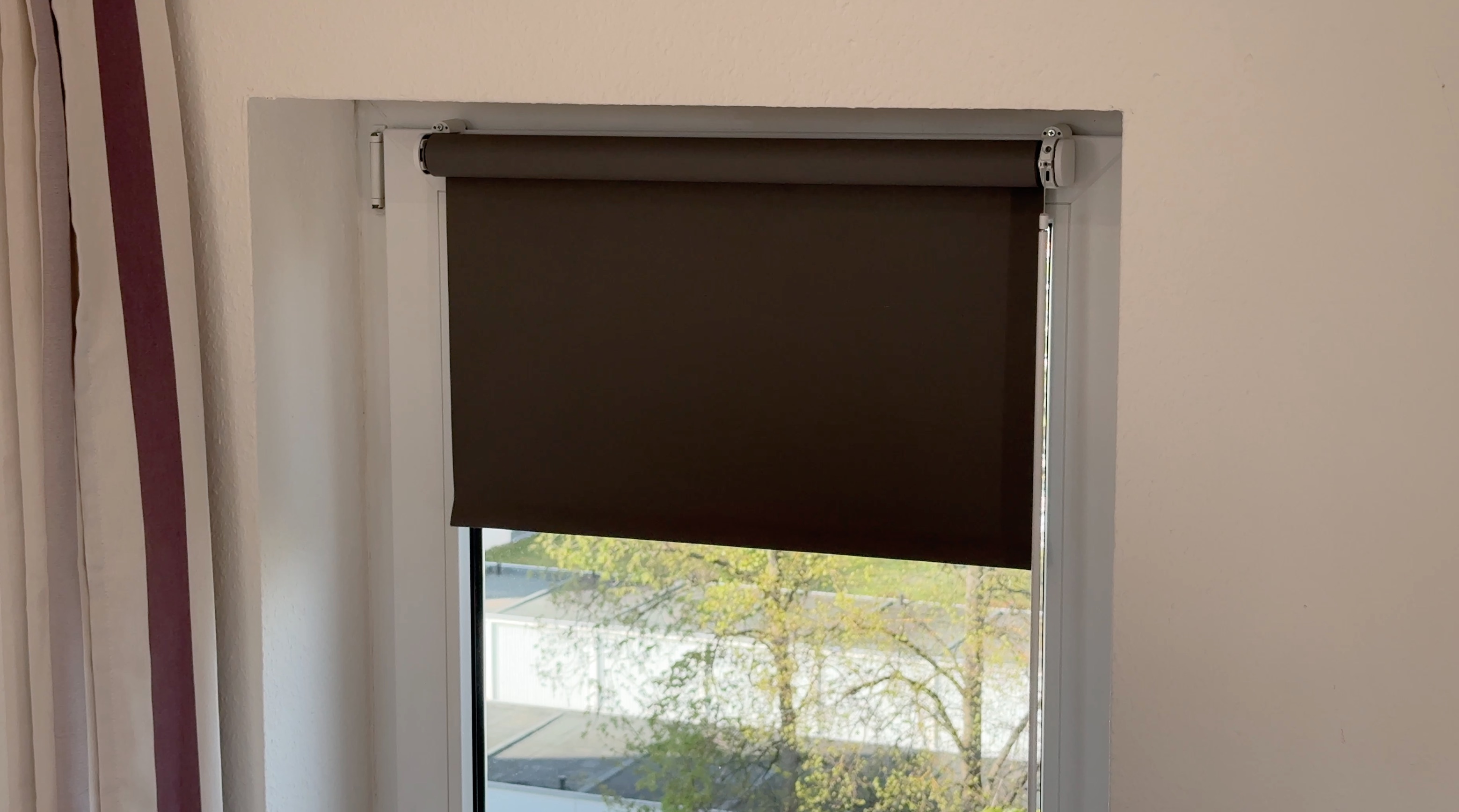
Your shading gets smart, but the look stays the same
Making your favorite roller shade smart has probably never been easier than it is now. With the Eve Motionblinds Upgrade Kit for small tube diameters, you can now power up roller shades from IKEA and Gardinia. The old chain mechanism can be quickly and easily swapped out for the smart Eve motor. Afterward, your window coverings will let in exactly as much light as you want — either through smart automation or via app and voice commands. It’s the same roller shade, but with so much more convenience. And it’s also much more affordable and sustainable than buying a new smart product.
Increase comfort and energy efficiency with these Eve devices
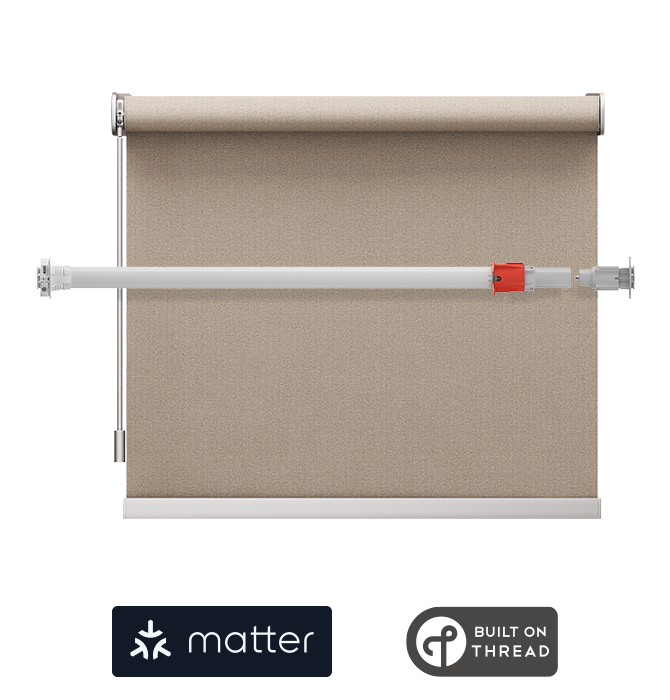
Motor for large diameter tubes
Learn more
Requires iPhone, iPad or Android device and a compatible hub.



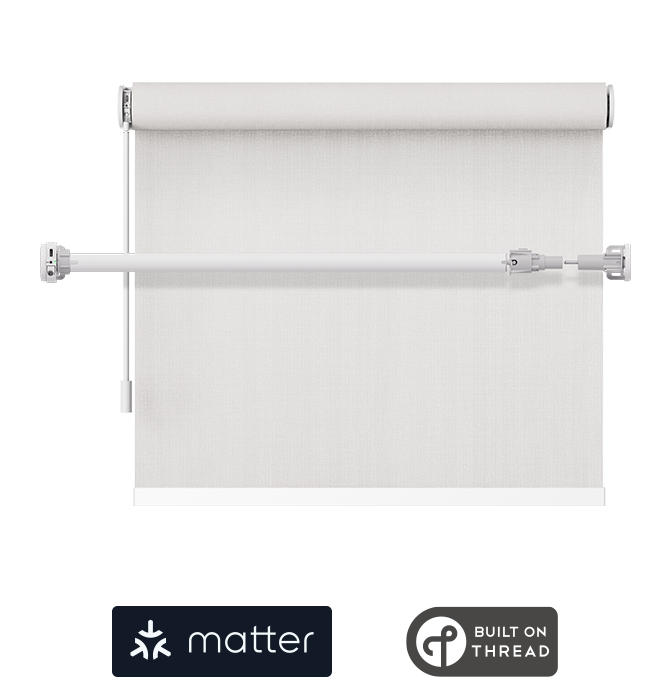
Motor for small diameter tubes
Learn more
Requires iPhone, iPad or Android device and a compatible hub.
Eve Blinds Collection
The Eve Blinds Collection is a curated collection of custom blinds for Matter that can be perfectly controlled and automated using smartphones and voice assistants of all major platforms. The blinds combine Eve MotionBlinds motors with high-quality fabrics, available in semi-transparent and blackout options as well as with energy-saving, insulating properties. Choose from a selection of contemporary fabrics – apart from excellent functional properties, the fabrics are characterized by a very subtle texture in a palette of neutral colors, that suits any style and taste.
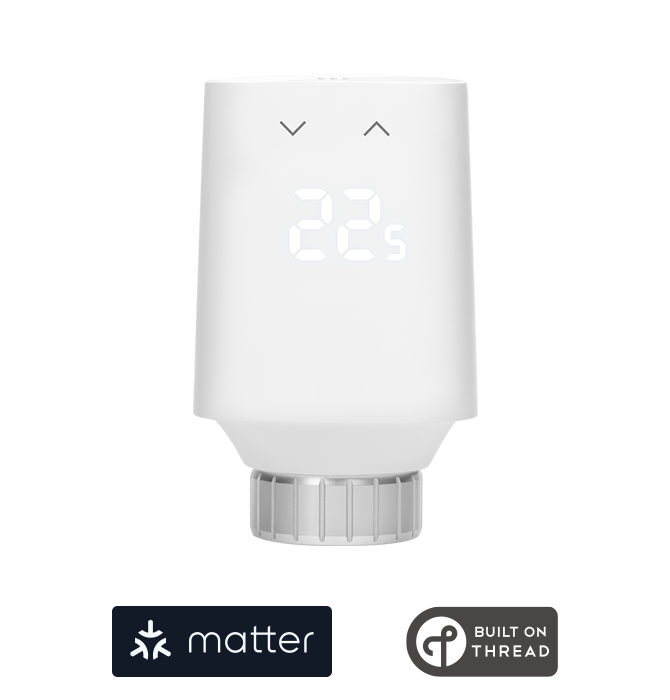
Smart Radiator Valve
Learn more
Requires iPhone, iPad or Android device and a compatible hub.

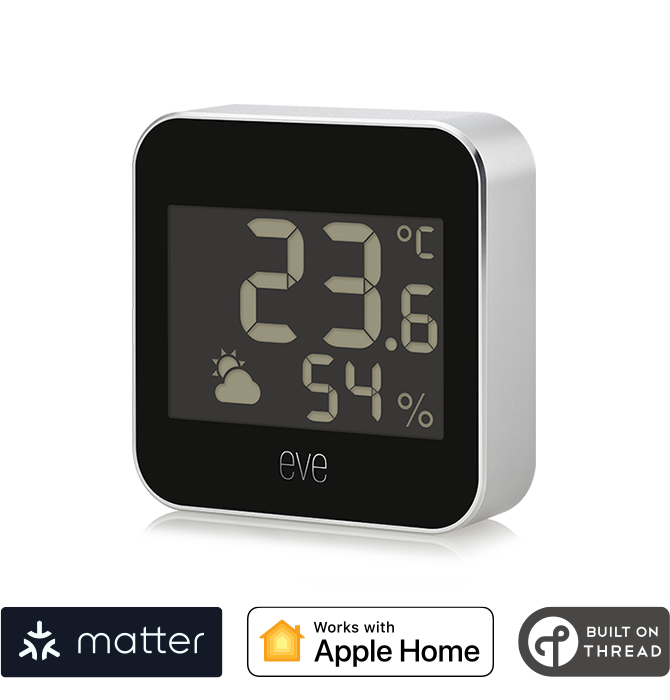
Connected Weather Station
Learn more
Requires iPhone or iPad with the latest version of iOS/iPadOS and Apple TV 4K (2nd gen / 3rd gen 128 GB), HomePod (2nd gen), or HomePod mini as a home hub

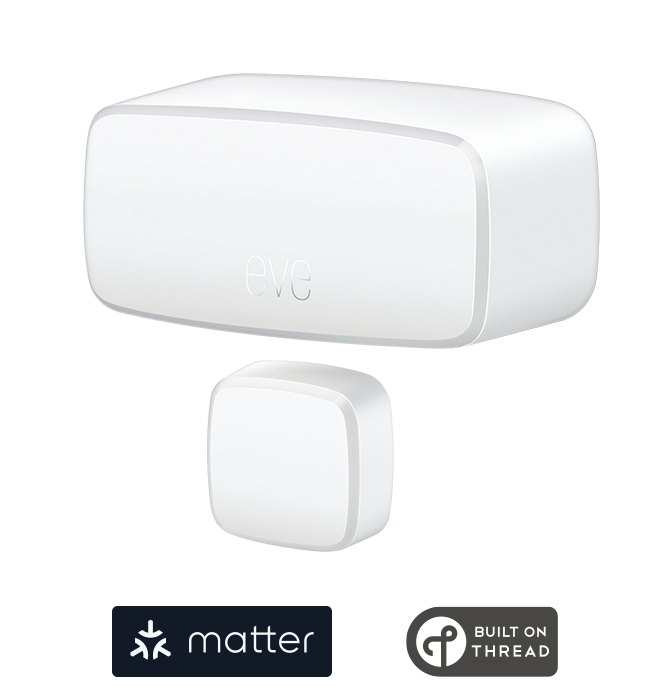
Wireless Contact Sensor
Learn more
Requires iPhone, iPad or Android device and a compatible hub.

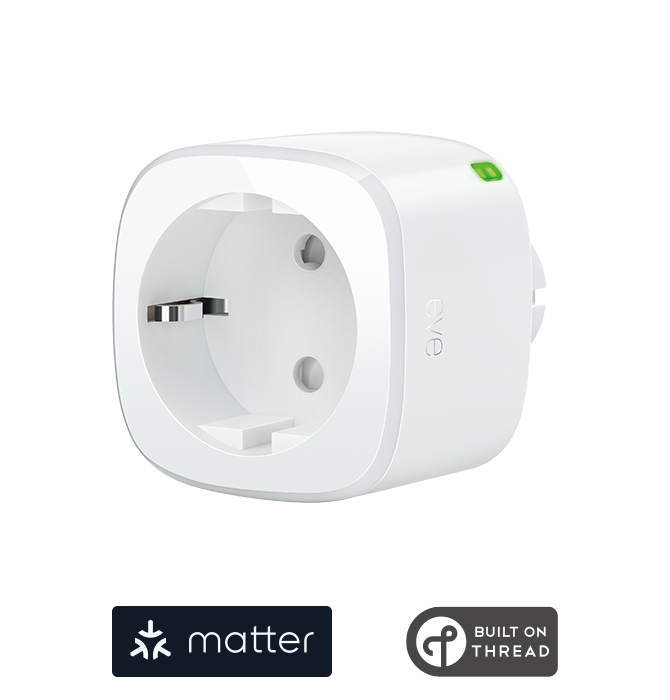
Smart plug
Learn more
Requires iOS/iPadOS 16.4 (or later) / Android™ 8.1 (or later), Matter controller / Thread Border Router

Posts you might also be interested in.
Use Cases
Cut your power consumption at home in three simple steps
While technological progress and legislation have cut the power consumption of many household appliances, the onslaught of new types of devices that are always on, such as smart speakers, smart TVs and Wi-Fi range extenders, threatens to wipe out all the gains made. So, what can you do?
Mar 14, 2023
Use Cases
Retrofit efficiently with Busch-free@home®️ In-Wall Actuators and Smart Switch wireless
A compact Busch-free@home®️ in-wall actuator combined with the wireless Smart Switch wireless makes the perfect solution for the challenges in our home: switches can be placed exactly where they are needed, without having to chase out walls, install new wiring, or undertake extensive renovation work.
Sep 22, 2026