












Switch, dimmer, and blind actuators from the Busch-free@home®️ wireless product line can be operated at different levels of functionality depending on your needs. We recommend room control as the most versatile option.
Smart home for all. Upgrading with ease.
How to get started with your smart home using Busch-Jaeger flush-mounted actuators.
How to get started with your smart home
using Busch-Jaeger flush-mounted actuators.

Get started with your switch, dimmer, or blind actuator

Download and install the app
Download the Busch-free@home®️ Next App from the appropriate store and install it on your smartphone.




Create a free myBUSCH-JAEGER account
In the app’s welcome window, tap the "myBUSCH-JAEGER" button to create an account and connect to the secure cloud service.


Create an installation
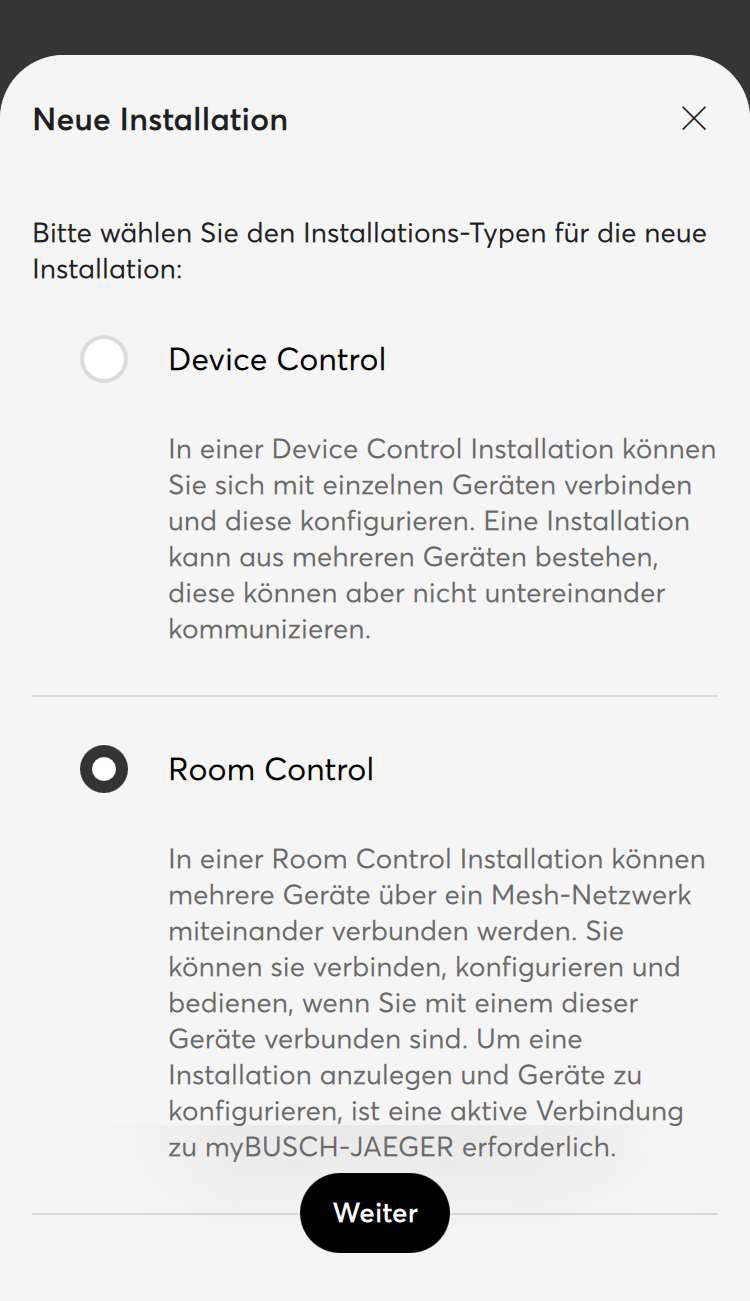
In the app’s welcome window, tap the "+" button, then tap "Add a new Bluetooth device" and "Next." Now create a new installation by tapping the "New Installation" button. Select the installation type "Room Control," tap the "Next" button, and enter a name and password for the installation. Tap "Next." The search will begin, and your actuator will be added.
Danger – Electrical Voltage!
Only install the devices if you have the necessary electrical knowledge and experience.
- Improper installation endangers your own life and the lives of others using the electrical system.
- Improper installation can result in serious property damage, such as a fire.
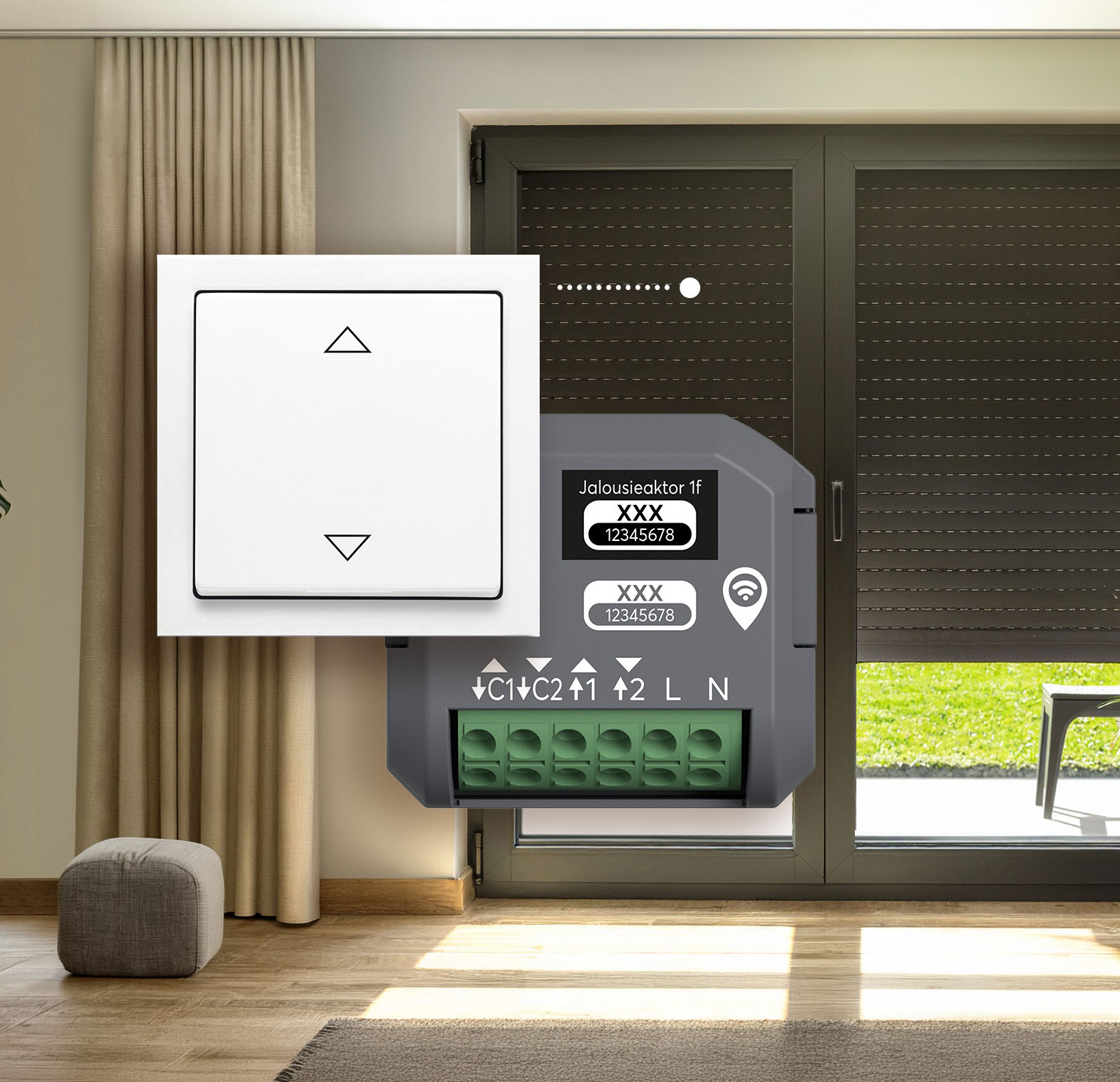
Flexible control via the app, your existing switch, or the Smart Switch Wireless.
Control via the app
You can conveniently control your switch, dimmer, or blind actuators using your smartphone or tablet with the Busch-free@home®️ Next App — without needing a switch.
Control your existing switch via the app
If you want to control your lights and blinds using both the Busch-free@home®️ Next App and your traditional switch, please make sure to configure the extension unit correctly (see the product manual, "Operation" chapter).
Switch Actuator 1gang Manual >
Switch Actuator 2gang Manual (DE) >
Dimmer Actuator Manual (DE) >
Blind Actuator Manual (DE) >
Control via the app and Smart Switch wireless
- Open the configuration menu in the "My Home" window of the app.
- Switch to the Devices, Scenes & Groups view.
- Tap the "+" button and select "Add Smart Switch."
- Select a PIN to control access to the Smart Switch wireless configuration.
- Tap "Scan for Smart Switch" and wait until the app has detected Smart Switch wireless.
- Next, select the switch type and the corresponding actuator—that is, your switch, dimmer, or blind actuator.
Would you like to upgrade to a fully featured home automation system that includes Matter compatibility for connecting Eve devices and devices from other manufacturers?
Let’s continue with the Busch-free@home®️ System Access Point3.0
Home automation via Busch-free@home, the smart home system from Busch-Jaeger designed for greater comfort, security, and efficiency, is the highest level of expansion that allows you to operate your actuators and Smart Switch wireless. The system can be used in both new construction and existing buildings and offers numerous installation options, including wired, wireless, or hybrid configurations.
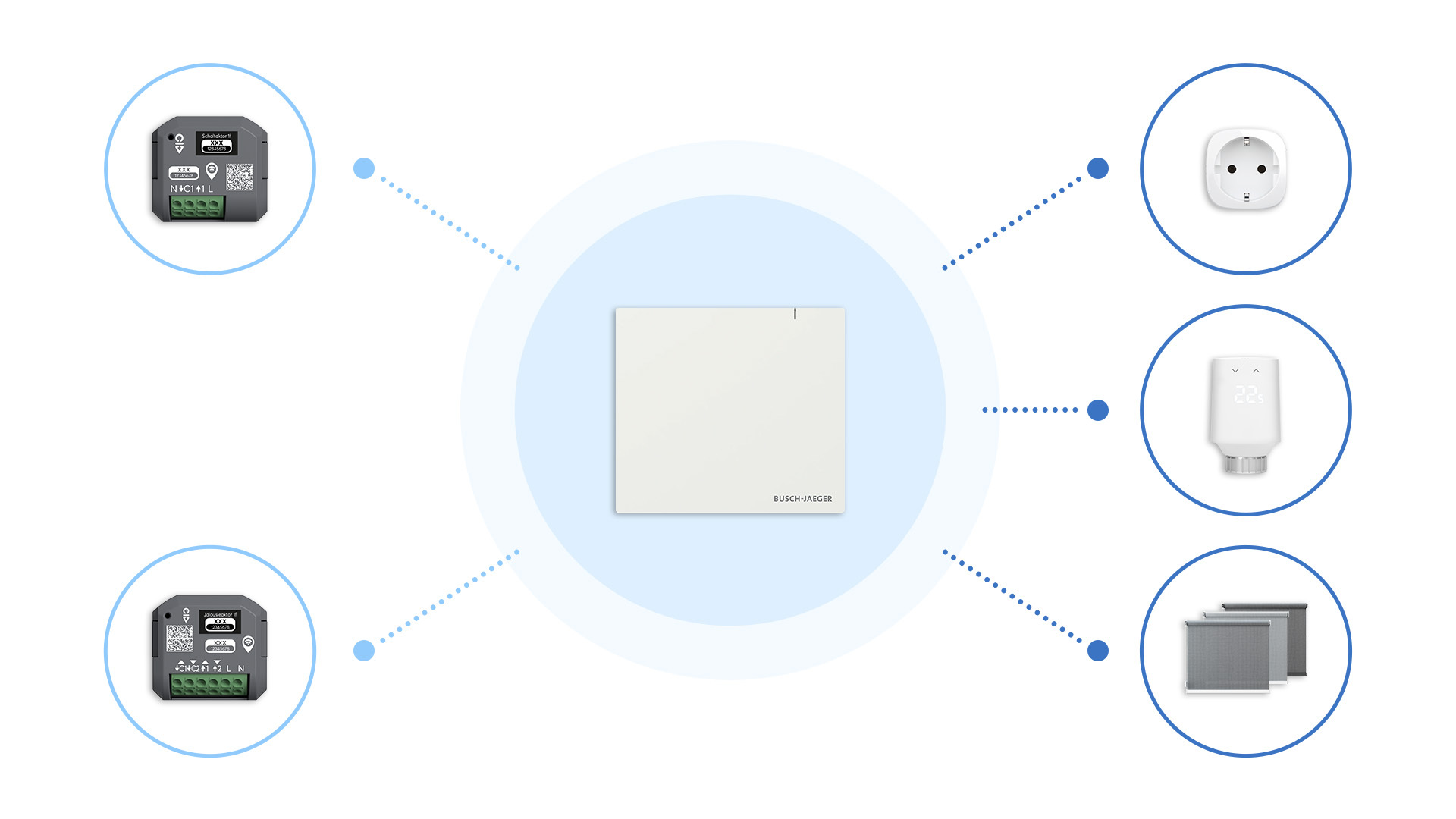
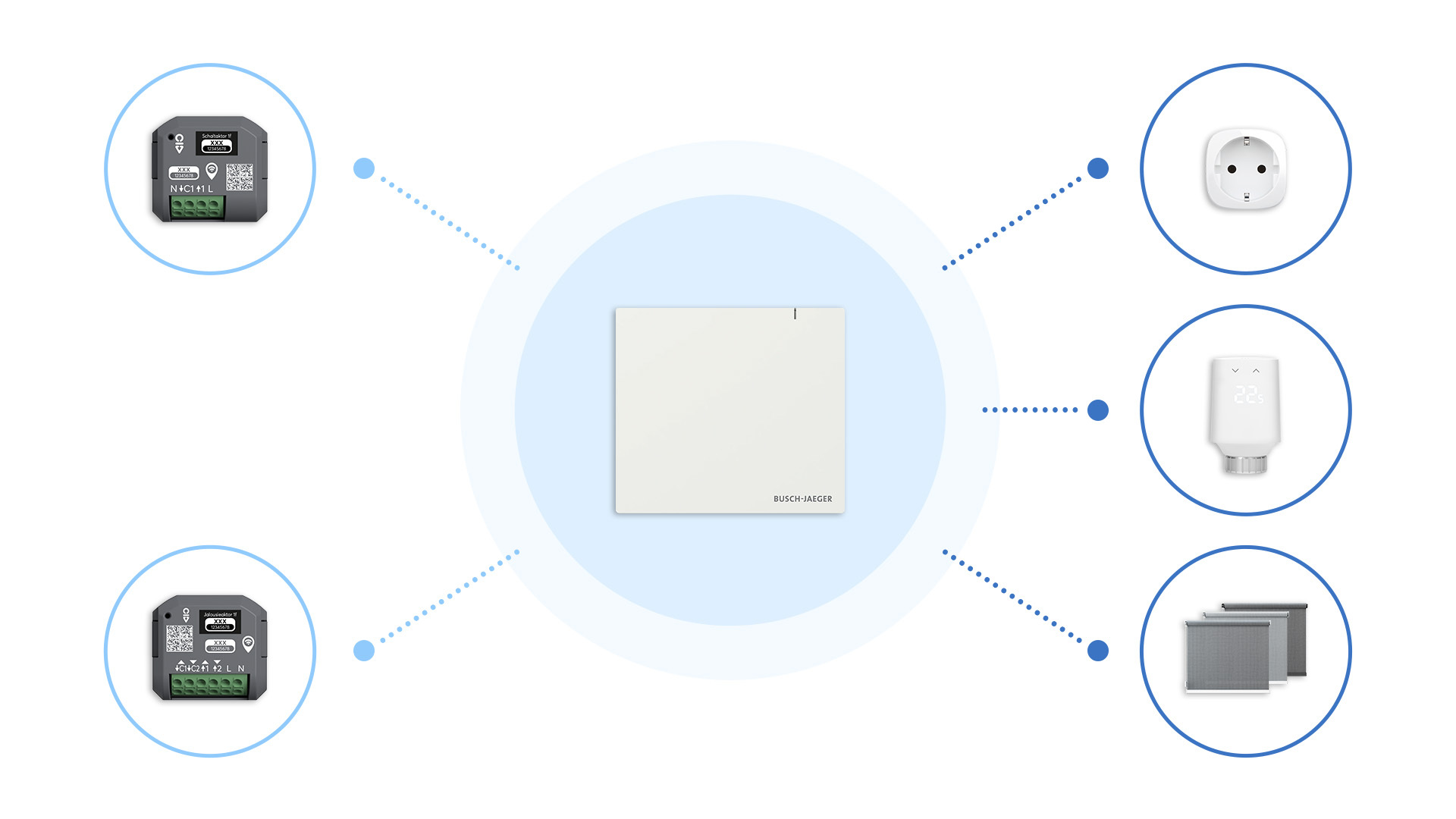
The System Access Point 3.0 is the central hub for Busch-free@home®️. It can be operated as a Matter Bridge or Matter Controller—including a Thread Border Router—enabling connection to an existing Matter installation or the addition of IP- or Thread-based Matter devices, such as those from Eve
FAQs
My device isn't showing up in the app.
I can't add the Busch-Jaeger Smart-Switch.